
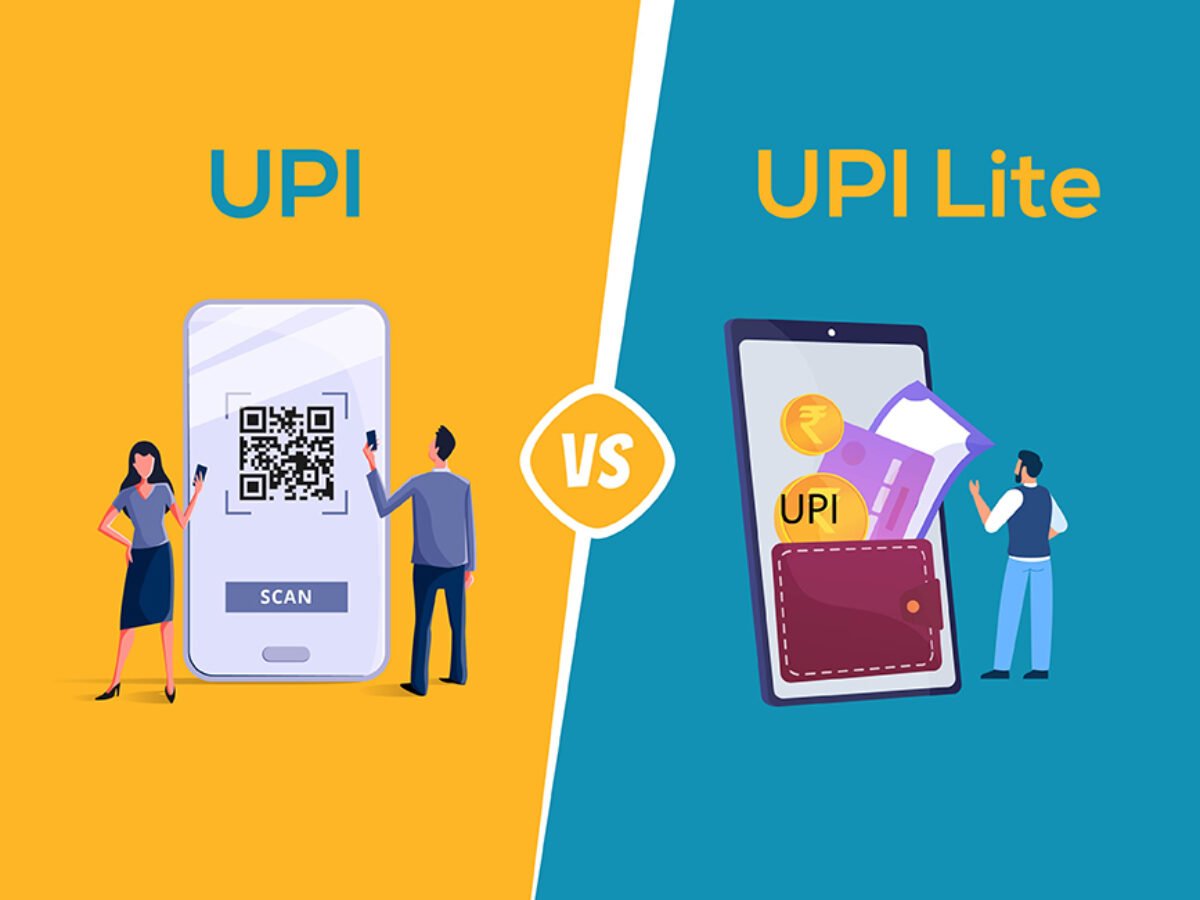

UPI Lite and UPI Autopay are designed to simplify digital payments, but they serve different purposes. The UPI Lite digital wallet helps with small, fast payments without PIN prompts, while UPI Autopay automates recurring payments like subscriptions or monthly bills. Knowing when to use each can make transactions faster and more organized.
What UPI Lite Is Designed For
UPI Lite is a small value on-device wallet stored within your UPI app. You can load up to 2000 rupees into it and make single payments up to 500 rupees without entering a UPI PIN. The key benefit is speed. Payments do not require bank system authorization every time, so they go through even when bank servers are busy. This reduces failed transactions in crowded areas or during peak festival shopping hours. UPI Lite is especially useful in local markets, bus stands, canteens, tea stalls, pharmacies, and any situation where small, frequent payments happen throughout the day. The feature is supported on apps such as Paytm, PhonePe, BHIM, and banks integrating NPCI’s UPI Lite framework.
When UPI Lite Works Best
UPI Lite is suitable for audiences who make repeated low-value transactions, such as students, office workers, or commuters. It removes friction, avoids delays, and keeps the main bank account free from dozens of small SMS alerts and passbook entries. Because the money is stored in a controlled wallet layer, the risk of repeated PIN entry is avoided, lowering exposure to shoulder surfing or keypad observation in crowded spaces. However, UPI Lite is not ideal if you need to track each transaction instantly within your bank statement or if your payments typically exceed 500 rupees.
What UPI Autopay Automates
UPI Autopay enables automatic recurring payments using digital mandates. Once you approve a mandate, payments are deducted on schedule without requiring manual confirmation. It supports monthly subscriptions like OTT platforms, fitness memberships, school bus fees, broadband bills, SIP investments, insurance premiums, and mobile recharges. UPI Autopay allows mandate management directly inside the UPI app. You can pause, modify, or cancel mandates any time. The RBI and NPCI guidelines ensure the user must pre-authorize and can always withdraw consent. This makes it secure and transparent, eliminating the frustration of forgetting a bill and getting late charges.
When UPI Autopay Works Best
Use UPI Autopay when a payment happens at the same time every month or follows a predictable schedule. It is especially efficient for salaried individuals with planned monthly budgets or households managing multiple utilities. It also helps small businesses, coaching centers, gyms, and subscription service providers collect payments without repeated reminders. UPI Autopay ensures reliability but should not be used for bills that frequently vary in amount unless the user actively checks statements to avoid surprises.
Key Differences You Should Know
Balance Base: UPI Lite uses a prepaid balance, while UPI Autopay draws directly from your bank.
Transaction Pattern: UPI Lite handles instant small payments, while Autopay handles scheduled recurring payments.
User Control: UPI Lite requires manual spending, Autopay requires one-time approval with future automation.
Best Environment: UPI Lite suits markets and daily runs, Autopay suits monthly financial commitments.
How to Choose Between UPI Lite and UPI Autopay
Select UPI Lite if your daily routine involves buying snacks, ride fares, daily groceries, or small services multiple times a day. It will reduce transaction failures and speed up checkout. Select UPI Autopay when you want to remove the burden of remembering due dates for subscriptions or monthly expenses. Together, both tools can help maintain financial discipline, avoid late fees, and reduce stress. Many users benefit from activating both simultaneously: UPI Lite for daily payments and UPI Autopay for recurring monthly charges.
Takeaways
• UPI Lite is ideal for small, fast, repetitive daily payments without PIN entry.
• UPI Autopay automates recurring bills and subscriptions using digital mandates.
• Use UPI Lite for marketplace and commuting payments under 500 rupees.
• Use UPI Autopay for monthly services, utilities, fees, and subscription apps.
FAQs
What is the maximum limit in UPI Lite
You can load up to 2000 rupees at a time and make individual payments up to 500 rupees.
Can I cancel a UPI Autopay mandate
Yes. You can pause or cancel any active mandate in your UPI app under the Autopay or mandate section.
Does UPI Lite work offline
It works even when bank servers are slow, but the phone still needs network access. It is not a fully offline payment system.
Is UPI Autopay safe for large recurring payments
Yes, but always review mandates and ensure the service provider is legitimate. You can set maximum deduction limits for safety.