
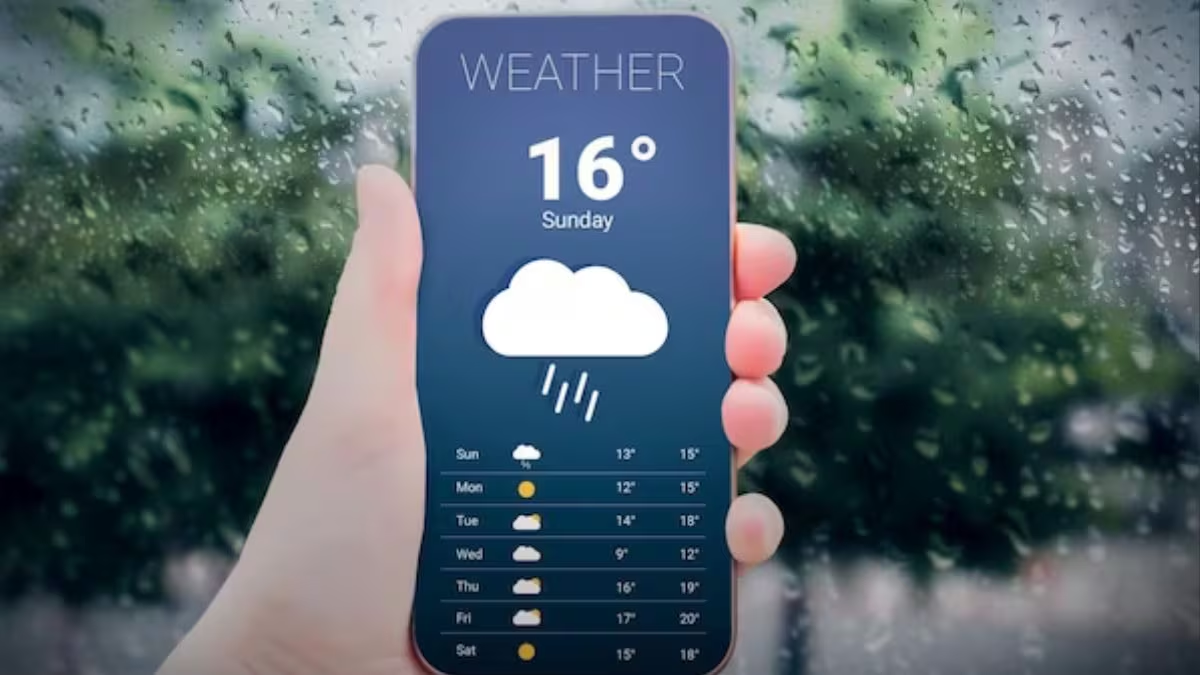

IMD weather alerts have become essential this winter as dense fog and cold wave warnings disrupt daily commutes across North India. This is a time sensitive topic tied to active weather advisories, making it important for users to set up alerts correctly and receive warnings before travel disruptions begin.
The intent of this topic is informational with a public safety focus. Since fog and cold wave alerts are currently affecting visibility, transport schedules, and school timings, the tone is factual and news-oriented rather than evergreen.
Why IMD Weather Alerts Matter During North India Winters
IMD weather alerts are issued to warn citizens about fog, cold waves, cold day conditions, and visibility hazards that directly affect road, rail, and air travel. In North India, winter weather patterns often change overnight, with fog intensity increasing during early morning hours.
For commuters in Delhi NCR, Punjab, Haryana, Uttar Pradesh, Rajasthan, Bihar, and parts of Madhya Pradesh, missing a fog alert can mean delayed trains, cancelled buses, flight disruptions, or dangerous highway driving conditions. Tier-2 and Tier-3 cities are especially vulnerable because public transport updates reach slower and alternative routes are limited.
Setting up IMD alerts ensures you receive verified warnings directly from the official weather authority rather than relying on forwarded messages or unverified social media posts.
What You Need Before Setting Up IMD Alerts
You do not need any special app subscription or paid service to receive IMD weather alerts. A basic smartphone with internet access is enough.
Before starting, ensure the following:
Your phone has an active internet connection
Location services are enabled
Notifications are allowed for browser or weather apps
You know your district or city name accurately
IMD alerts are issued district-wise, not just city-wise, so correct location selection improves accuracy. This is especially important for people living in outskirts or semi-rural blocks.
Method 1: Setting Up Alerts via IMD Official Website
The IMD website provides daily bulletins and warnings that can be accessed easily on mobile browsers.
Open your mobile browser and search for the official IMD website. Navigate to the weather warnings or regional weather section. Select your state and then your district to view active alerts.
To receive regular updates, bookmark the page on your phone home screen. Most mobile browsers allow you to enable site notifications if prompted. Allow notifications when asked so that fog and cold wave alerts appear automatically.
This method works well for users who prefer direct official updates without installing additional apps.
Method 2: Using IMD Mausam Mobile App for Real Time Alerts
The IMD Mausam app is designed specifically for Indian weather conditions and provides location-based alerts.
Download the IMD Mausam app from your phone’s app store. Once installed, allow location access so the app can detect your district automatically. You can also manually select your city or nearby town if GPS accuracy is weak.
Enable notifications within the app settings. This ensures you receive alerts for fog, cold wave, rainfall, and heat conditions as soon as IMD issues them.
The app also provides hourly forecasts, seven-day outlooks, and color-coded warning levels, which are useful for planning travel timings.
Method 3: Activating Weather Alerts via Android and iPhone Settings
Most smartphones now integrate official weather data into system alerts.
On Android phones, go to Settings, then Location, and enable Google Location Accuracy. Open the Google app, search for weather, and ensure notifications are turned on. Google uses IMD inputs for Indian weather alerts and pushes fog and cold wave warnings automatically.
On iPhones, open Settings, go to Privacy and Security, then Location Services. Enable location for the Weather app and turn on Severe Weather Alerts. This allows the phone to notify you about hazardous conditions affecting your area.
This method works silently in the background and is useful for users who do not want to manage multiple apps.
How to Use Alerts for Daily Commute Planning
Receiving alerts is only useful if you act on them correctly.
If a dense fog alert is issued, avoid early morning travel when visibility is lowest. Train and flight passengers should check schedules again even if tickets are confirmed. Road commuters should delay departure until visibility improves.
Cold wave alerts indicate extreme low temperatures that can affect elderly people, school children, and outdoor workers. Many district administrations announce school timing changes or closures based on these alerts, so monitoring updates helps families plan accordingly.
For Tier-2 and Tier-3 towns, alerts also help farmers protect crops and small traders plan market visits safely.
Common Mistakes Users Make While Setting Alerts
Many users assume weather apps automatically provide accurate local alerts, which is not always true.
Avoid these mistakes:
Keeping location services turned off
Ignoring district-level warnings
Relying only on social media forwards
Not enabling notification permissions
Ensuring correct settings once can prevent repeated travel disruptions throughout the winter season.
Takeaways
IMD weather alerts are critical during fog and cold wave conditions in North India
Users can receive alerts through IMD website, Mausam app, or phone system settings
District-level selection improves accuracy for Tier-2 and Tier-3 locations
Early alerts help avoid travel delays, accidents, and health risks
FAQs
Are IMD weather alerts free to access?
Yes. All IMD weather alerts are publicly available and free through official platforms and apps.
How often are fog and cold wave alerts updated?
Alerts are updated daily and can be revised multiple times if weather conditions change rapidly.
Do IMD alerts work for rural areas and small towns?
Yes. IMD issues warnings at district level, covering rural blocks and smaller towns.
Can I rely only on phone weather apps for alerts?
Phone apps are useful, but ensuring they use IMD data and notifications are enabled is important for accuracy.