
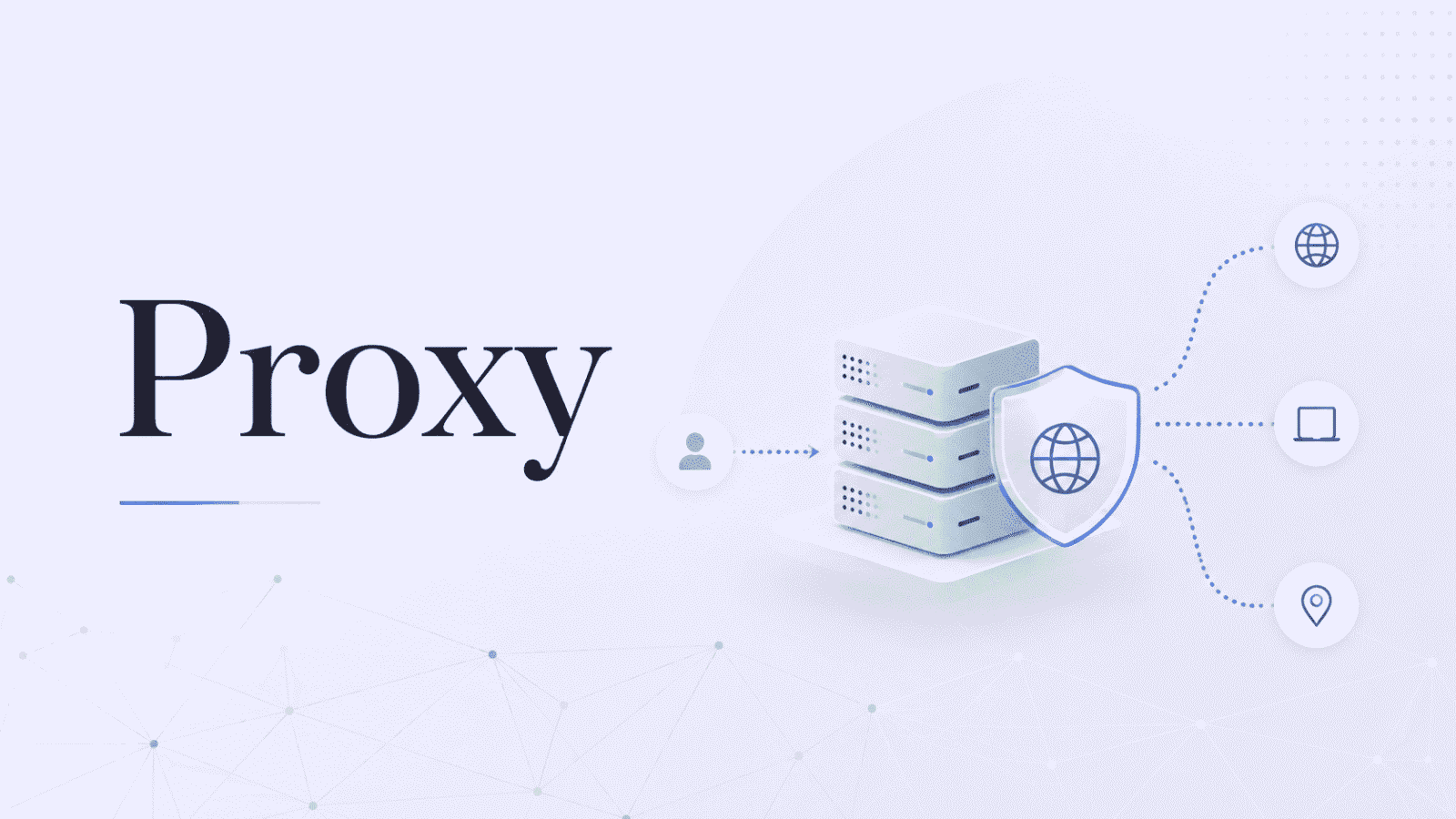

Most people buy the wrong proxy at least once. The usual mistake is treating proxies as a single product, shopping purely on price, and then watching a cheap plan fall apart on the one site that actually mattered. There are four main kinds, they behave nothing alike, and the gap between them is often the difference between a job that runs clean and a job that gets blocked inside the first hour.
That first mistake is common enough that an entire tool exists to head it off. ProxyPlox is an independent comparison site that prices more than ninety proxy providers against your real usage instead of their advertised starting price, so you can see what a given type would actually cost you before you commit to anyone. It is worth keeping open while you read on, because that comparison only really pays off once you know which of the four types your job calls for.
The good news is that picking the right one is not complicated once you stop thinking about brands and start thinking about what you are pointing the proxy at and how hard that target fights back.
Start With the Target, Not the Price List
The single most useful idea in this whole market is to match the proxy to the defenses of the site you are hitting, not to your budget. A simple site that does not care about bots will happily accept the cheapest option you can find. A site with serious bot management will flag that same cheap option within a handful of requests and quietly start feeding it errors.
There is also a number that decides cost far more honestly than the price tag, and it is the cost per successful request. That is just the price divided by your success rate. A pool that costs $1 a gigabyte and works 95% of the time is cheaper for every usable result than a $0.50 pool that gets blocked more than half the time. Cheap that fails is not cheap. It only looks that way on the invoice.
The Four Types, in Plain Terms
Almost everything sold in this market is a version of one of these four:
- Datacenter proxies are fast, cheap, and usually rented as a fixed IP for a month. The addresses come from cloud servers, which makes them easy for a defended site to recognize and block, and perfectly fine for sites that do not push back. Expect roughly $0.50 to $3 a gigabyte, or a few dollars per IP per month.
- Residential proxies route your traffic through real home connections supplied by ordinary internet providers, so each request reads like a normal person browsing. This is the default for anything with real bot defenses. You pay for the data you use, usually somewhere between $1 and $8 a gigabyte depending on volume and quality.
- ISP proxies, also called static residential, are the hybrid. They sit on residential address space but live in a datacenter, which gives you residential trust at datacenter speed on a stable address that does not rotate. They are rented per IP per month, often around $1.50 to $5, and they shine on logged in sessions and long running tasks.
- Mobile proxies use real 4G and 5G addresses from phone carriers. They carry the most trust of any type, because a single carrier address is shared among many genuine users, which makes them very hard to block. They are also the priciest, frequently $2 to $15 a gigabyte. Worth every cent on the strictest targets, and complete overkill for everything else.
Match the Type to the Job
Once the four types are clear, the choice usually makes itself. High volume scraping of lenient sites is datacenter work, all day. Scraping protected platforms like large retailers, search results, or major social networks calls for residential, because anything cheaper tends to collapse on contact. Anything that stays logged in, holds a session, or manages an account over weeks wants ISP, where a steady address that still looks residential matters more than constant rotation. The hardest mobile first targets and the touchiest social platforms are where mobile finally earns its premium.
One more setting trips people up, and it is the choice between rotating and sticky addresses. Rotating proxies spread thousands of requests across a huge pool, so no single IP ever looks busy enough to be suspicious, which is exactly what bulk scraping needs. Sticky sessions hold one IP for a set window, which is what checkouts, signups, and any flow with several steps need, since those break the moment the address underneath them changes.
Why Pool Size Stopped Being a Selling Point
For years, providers competed on the size of their network, and buyers dutifully compared who had the most IPs. That number quietly lost its meaning. In January 2026, Google Cloud took down IPIDEA, at the time the largest residential network in the world, and the fallout revealed that several separate proxy brands had been reselling the very same pool of compromised devices under different names. A big advertised pool can turn out to be a recycled one, a low quality one, or one with a sourcing problem that becomes your problem.
What actually matters now is easier to state than a headline IP count. How the addresses are sourced. How often they really work on your specific targets. Whether the geographic coverage includes the countries you need. And the true cost for your true usage. Sourcing carries legal weight too, with regulators in Europe already examining how residential IPs get collected and whether the people behind them ever agreed to any of it.
IPv4, IPv6, and the Small Print
Two further choices catch people out. Most proxies still run on IPv4, the older address format that essentially every website understands, which is why it remains the safe default for general work. IPv6 is dramatically cheaper, sometimes only pennies a gigabyte, but it is only useful when your target supports it well, and plenty of sites do not, so the saving can quietly become a trap.
Then there is the protocol. HTTP and HTTPS proxies cover the large majority of web tasks. SOCKS5 is the more flexible option for traffic that is not ordinary web browsing and for tools that specifically ask for it. For most buyers, HTTP is fine and SOCKS5 is a box you tick only when something concrete requires it.
How to Compare Without Guessing
Once you know the type you need, the rest of the job is finding the provider that is genuinely cheapest for your usage rather than the one with the loudest homepage. That is the exact problem ProxyPlox was built to solve. You choose a type, enter how much you actually need in pages, bandwidth, or IPs, and it estimates the real monthly cost across more than ninety providers, folding in plan minimums, bundle math, and active promo codes so you are comparing like for like instead of starting price against starting price.
The platform tracks 92 providers across 1,251 pricing plans, lets you filter down to residential, ISP, mobile, datacenter, IPv4, or IPv6, and ranks each on the effective price for your workload alongside coverage, protocol support, outside review scores, and support quality. It also publishes its full ranking method and labels any sponsored placement. The one warning it repeats is worth following no matter where you buy. Prices in this market move constantly, so confirm the current rate on the provider’s own site before you pay.
Get the type right first and most of the hard part is already behind you. A datacenter plan will never behave like residential, and a residential plan will never be as cheap as datacenter, so the goal was never to find the one best proxy. It is to know which kind the job in front of you calls for, then pay the least you can for a clean version of that kind.