
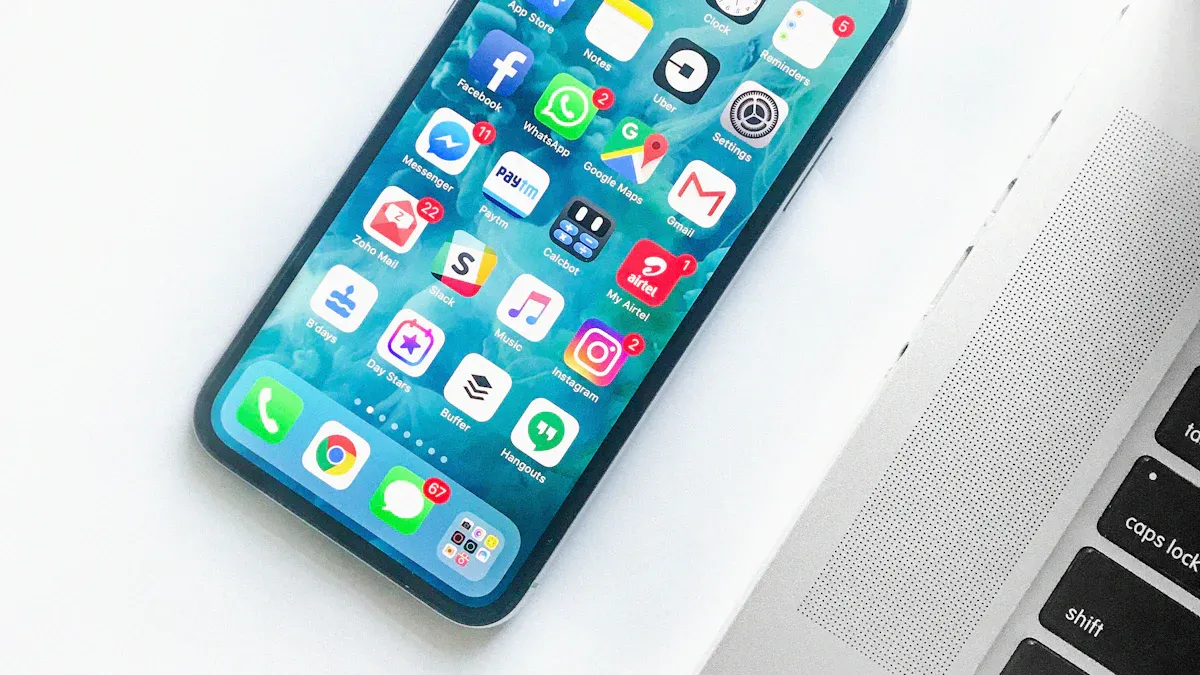

Ten smartphone privacy check ups have become essential for Indian users after the Sanchar Saathi pre install debate renewed public focus on digital autonomy and data protection. These checks help ensure that devices remain secure, apps behave as expected and personal information stays under user control.
Review app permissions and remove unnecessary access
Start by reviewing app permissions across your device. Many apps request access to contacts, location, camera or microphone even when not required for core functionality. Open the permissions menu and check each app individually. Disable access that does not align with its purpose. Messaging apps may need storage and camera, but not constant location access. Gaming apps typically do not need microphone or SMS permissions. Restricting permissions reduces the chances of silent data collection.
Indian users often install apps during promotional campaigns without revisiting what those apps access later. Cleaning up old permissions ensures only trusted apps have access to sensitive features. This simple step prevents misuse and reduces background data exposure.
Check for preinstalled apps and disable those you do not use
Many phones ship with preinstalled apps that users do not actively use. While these apps are not always harmful, they may collect telemetry or run background services. Navigate to the apps list in settings and identify unfamiliar or unnecessary apps. If uninstalling is not possible, disabling them usually stops background activity. Disabling also frees up resources and reduces clutter.
After the Sanchar Saathi debate, users are more aware of how preinstalled apps influence privacy. A regular check helps maintain control over what runs on the device. This is especially useful on budget phones that ship with multiple vendor apps.
Update your phone and apps regularly to patch vulnerabilities
Security updates are crucial for preventing exploitation of known vulnerabilities. Indian users often delay updates because of data constraints or fear of slow performance. However, outdated software increases risk significantly. Enable automatic updates where possible. Updating apps ensures they have the latest security fixes and permission handling improvements.
Operating system updates also enhance privacy settings. Many modern updates include improved permission dashboards, stronger encryption defaults and better background process controls. Staying updated is one of the most effective privacy measures.
Review installed apps and uninstall dormant or untrusted tools
Over time, devices accumulate apps installed for short term use. These apps may continue collecting data even when unused. Review all installed apps monthly. Uninstall those you no longer need. Unknown apps that appear without your knowledge may indicate bloatware installation during updates or device configuration.
Removing rarely used apps reduces the attack surface and decreases background network requests. It also makes privacy management easier because fewer apps require oversight.
Turn off background data for apps that do not need it
Many apps communicate with servers even when not in use. This can lead to unnecessary tracking or data leakage. Check the background data settings and restrict it for apps that do not require constant connectivity. News apps, shopping apps and certain social media tools can function with manual refresh instead of constant background syncing.
Restricting background data also conserves battery and reduces mobile data costs. It is especially helpful on devices used by students or professionals in low connectivity regions.
Review location settings and enable precision only when required
Location access is among the most sensitive permissions. Ensure that only essential apps have access. Set apps to use location only while in use rather than always. Disable precise location for apps that can function with approximate location. For example, weather apps do not need precise GPS data to provide forecasts.
Indian users often rely on location heavy apps like maps and delivery platforms. Regularly checking location permissions helps maintain a balance between functionality and privacy.
Check account sync settings and remove unused accounts
Smartphones often contain multiple logged in accounts such as email, social media or work profiles. Old or unused accounts may continue syncing data. Go to the accounts section and remove profiles you do not use. Disable auto sync for accounts that do not require constant updates.
Cleaning up accounts helps reduce privacy exposure and limits the number of services with ongoing access to device data. It also helps prevent forgotten accounts from becoming security liabilities.
Enable two factor authentication for sensitive apps
Apps that store financial or identity information require stronger protection. Enable two factor authentication for email, banking, wallet apps and major social platforms. This prevents unauthorised access even if someone obtains your password. Use device based authentication or authenticator apps instead of SMS when possible.
Two factor authentication is especially important in India where SIM based identity attacks have increased. Adding this layer of security prevents account takeover attempts.
Check notification access and disable data sharing via push alerts
Some apps request notification access to read incoming alerts. This permission can expose sensitive information because notifications often contain OTPs, message previews or transaction details. Review which apps have this permission and revoke access for those that do not require it.
Apps that collect notification data can build behaviour patterns or target ads. Limiting this permission helps maintain privacy and prevents accidental disclosure.
Use device privacy tools such as lock screen protection and app locks
Finally, ensure that your lock screen settings are secure. Disable sensitive notification previews on the lock screen. Use fingerprint or strong PIN protection. If you share your device with family members, consider using app lock tools for banking or private communication apps.
Many smartphones come with built in privacy dashboards. Use them to monitor sensitive permissions, view recent accesses and identify unusual activity. These tools make ongoing privacy management easier even for non technical users.
Takeaways
Review and restrict app permissions regularly to limit unnecessary access
Disable or uninstall preinstalled and unused apps to reduce data exposure
Keep your device updated to protect against evolving vulnerabilities
Use strong authentication and limit background activity for better privacy
FAQs
How often should I perform these privacy check ups
A monthly review is ideal, but checking permissions after installing new apps is recommended.
Do all preinstalled apps pose privacy risks
Not always, but many run background services. Reviewing and disabling unused ones improves privacy and performance.
Is two factor authentication necessary for everyday apps
It is essential for apps containing financial, identity or communication data. It significantly reduces unauthorised access risk.
Can privacy checks slow down my phone
No. These checks usually improve device performance by reducing background load.