
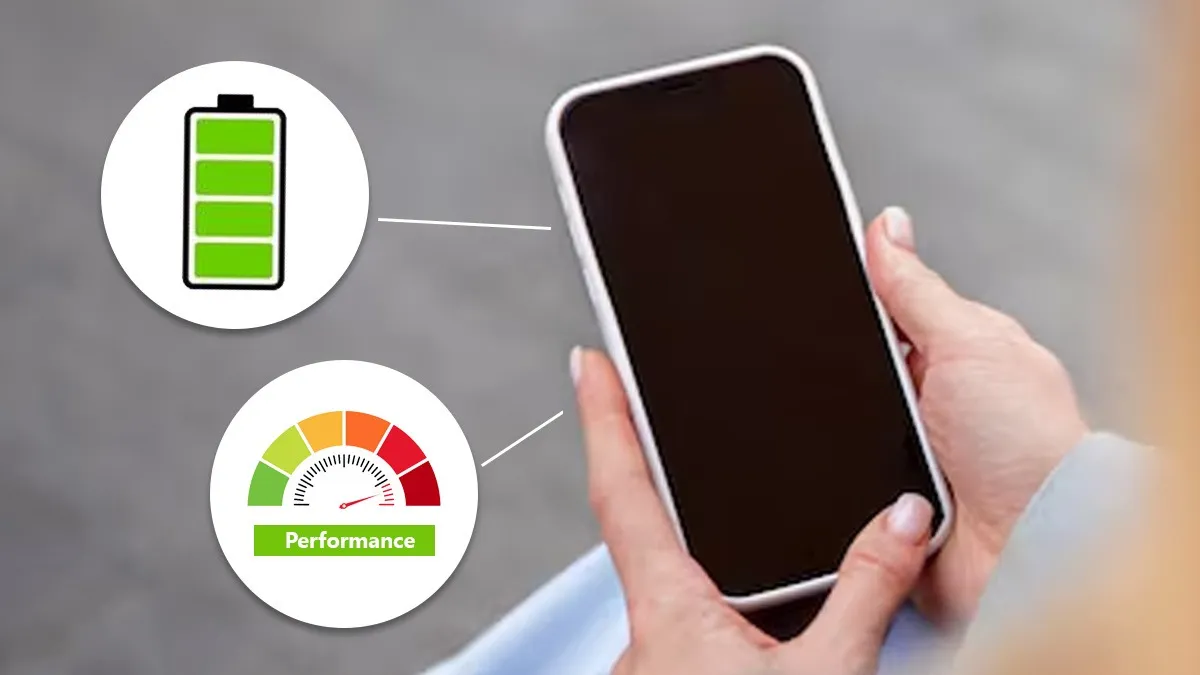

Optimising smartphone battery life in India is essential for Gen Z and millennials who rely heavily on continuous social media use, gaming, video streaming and multitasking. This guide explains practical methods that extend daily battery backup, reduce long term battery wear and improve overall device performance without relying on myths or unverified techniques.
Smartphone batteries degrade naturally with usage cycles, heat exposure and high performance tasks. Indian users, especially in warmer cities and Tier 2 regions, often face faster drain due to network fluctuations and outdoor temperatures. Understanding how modern lithium ion batteries behave helps users make informed decisions about charging habits and performance settings instead of depending on outdated advice. This guide offers a clear, fact checked strategy for maximising battery health while maintaining a smooth smartphone experience.
Managing screen settings and display power consumption
The display is typically the largest power consumer in modern smartphones. Reducing screen brightness to a comfortable level significantly cuts battery drain. Adaptive brightness helps if calibrated correctly, but users who frequently switch between indoor and outdoor environments should manually adjust brightness. High refresh rate displays, now common in both mid range and premium devices, consume more power than standard refresh rate screens. Switching to a lower refresh rate during normal use saves a noticeable amount of battery without affecting daily tasks like messaging or browsing.
Always on display is a popular feature, but it keeps small portions of the screen active throughout the day, leading to unnecessary drain. Turning it off or scheduling it for specific hours is more efficient. Screen timeout duration should be kept short because each extended active period compounds overall battery use across the day.
Optimising charging habits for better battery health
Lithium ion batteries last longer when kept between 20 percent and 80 percent during daily use. Frequent deep discharges accelerate ageing, while charging to 100 percent multiple times a day stresses the battery. Fast charging is safe on supported phones, but prolonged heat during charging accelerates wear. Users should avoid placing the phone under pillows, dashboards or in direct sunlight while charging.
Many modern phones provide adaptive charging features that slow down charging at night to protect battery health. Enabling these settings improves long term durability. Using certified chargers avoids voltage instability and prevents damage to the battery management system. Wireless charging generates more heat than wired charging, so it should be used selectively when heat buildup is expected to be low.
Monitoring background apps and power hungry features
Apps running in the background consume battery through frequent location checks, notifications and data syncing. Social media apps, short video platforms and navigation apps are among the highest background consumers. Reviewing battery usage in settings helps identify apps that need optimisation.
Location services should be set to while using the app instead of always on. Background refresh can be disabled for apps that do not require constant updates. Automatic uploads of photos and videos to cloud services should be scheduled for WiFi to reduce cellular data strain. Enabling power saver mode when the battery falls below 25 percent reduces background processes and extends remaining battery life without affecting essential functions.
Reducing connectivity related drain in fluctuating networks
Network instability is a major reason for fast battery drain in many Indian towns and semi urban regions. When networks fluctuate, the phone increases signal strength attempts, consuming more power. Switching to a stable network mode improves endurance. For example, if 5G coverage is weak in the area, locking the device to 4G saves battery and offers more reliable connectivity.
Turning off WiFi or Bluetooth scans when not in use prevents constant searching for devices or networks. Using a mesh WiFi system at home reduces network drops and avoids continuous reconnection attempts, improving battery efficiency. For users who travel frequently, enabling airplane mode in low network zones keeps the battery from draining unnecessarily.
Managing heat and environmental factors
High temperature is one of the biggest enemies of battery health. Exposure to heat accelerates chemical ageing inside lithium ion cells, making them degrade faster. Avoid using smartphones for long gaming sessions under direct sunlight or placing them on hot surfaces. Removing the case while charging helps the device dissipate heat faster.
Closing resource heavy apps when the phone feels warm stabilises battery temperature. Users in cities with hot climates should avoid leaving phones in parked vehicles. If the phone heats excessively during performance heavy tasks, switching to a lower graphic setting or enabling performance optimisation features reduces thermal load.
Takeaways
Avoid full discharges and keep daily charging within moderate levels
Reduce screen brightness and lower refresh rate to cut display drain
Disable background activity for non essential apps and heavy services
Manage network settings to prevent battery loss in weak signal areas
FAQ
Does fast charging damage battery life?
Fast charging is safe on supported smartphones, but excessive heat during charging can degrade the battery over time.
Is it better to close apps or leave them running?
Closing unused apps that run heavy background processes helps, but constantly force closing all apps is unnecessary.
Should I charge my phone overnight?
With adaptive charging enabled, overnight charging is fine. Without it, prolonged full charge can increase long term battery stress.
Does keeping mobile data on drain battery faster than WiFi?
Yes. Mobile data generally consumes more power, especially in areas with unstable network strength.