
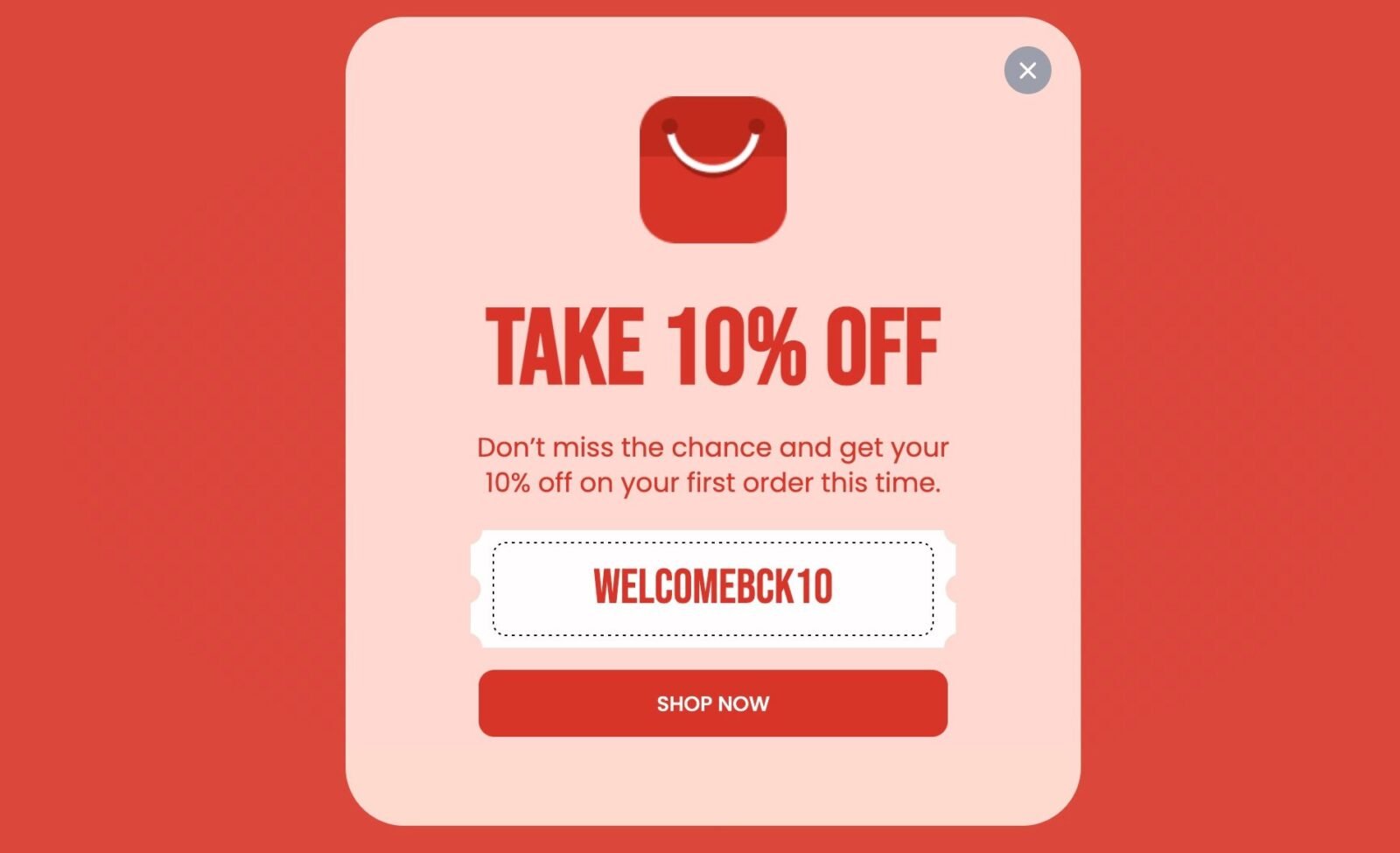

Online coupon codes help shoppers reduce costs, but using them safely requires attention to authenticity, security and correct redemption steps. This guide explains how to apply and redeem online coupon codes without risking personal data or falling for misleading discounts.
Online coupon codes are widely used in ecommerce, food delivery, travel bookings and subscription services. While most offers are genuine, some unsafe codes circulate through unreliable websites, fake social media pages or phishing attempts. A structured approach helps users identify authentic offers, apply them correctly during checkout and avoid financial risk.
Identify authentic coupon codes from trusted sources
Shoppers should begin by understanding where legitimate online coupon codes usually originate. Authentic codes are typically issued by ecommerce platforms, brand newsletters, mobile apps or recognised deal aggregators. These sources update their offers regularly and maintain clear terms of use. Codes shared through random social media posts or unknown blogs often contain misleading claims or expired offers.
Users should verify whether the code matches an active promotion on the brand website or official app. If the code promises unusually high discounts, it is likely unreliable. Reliable codes also include clear conditions such as minimum order value, product category limitations or validity dates. Reading these conditions helps avoid frustration at checkout.
Check redemption terms before applying an online offer
Every coupon code has specific usage rules that determine when and how it can be redeemed. Common conditions include first time user restrictions, category exclusions, payment method requirements or limited use per account. Understanding these terms helps prevent failed redemption attempts.
For example, many food delivery apps link offers to selected restaurants or order values. Travel platforms often restrict discount codes to specific routes or booking classes. Ecommerce sites may limit offers to prepaid orders only. Users should also check whether the coupon applies to items already on discount, as some platforms do not allow stacking of offers.
Apply coupon codes correctly during checkout on different platforms
Most digital platforms provide a dedicated section for entering coupon codes during checkout. Users should ensure that the code is copied exactly as shown. Typing errors are common, especially when codes include uppercase letters, numbers or symbols. Pasting the code directly avoids mistakes.
On retail ecommerce platforms, the coupon field usually appears on the payment page. Food delivery apps display offer options on the order summary screen. Subscription based services may ask for a promo code during account setup rather than at payment. If the discount does not appear immediately after applying the code, users should recheck eligibility conditions or try switching to the required payment method.
Avoid scams linked to fake coupon websites and phishing links
Cybercriminals often use unrealistic discount codes to lure users into unsafe websites. These fake coupon sites typically display pop ups that ask for personal details or prompt users to download suspicious software. Users should avoid entering financial information on any coupon page that feels unfamiliar or uses unofficial branding.
Links received through messages offering exclusive coupon codes should be treated with caution, especially if the sender is unknown. Phishing links often mimic official pages to trick users into sharing login credentials. A safe practice is to open the official app manually instead of clicking promotional links. If the code is genuine, it will work directly within the platform.
Manage privacy and payment safety when redeeming offers
Users should never share OTPs, card numbers or banking passwords while accessing a coupon code. Authentic coupon redemption never requires sensitive details outside the platform checkout. Payment should always be completed through secure gateways that show clear encryption indicators.
It is also helpful to use official apps rather than third party browsers while applying codes, as apps provide better security alerts and verification prompts. Logging out after completing a transaction adds an extra layer of safety.
Track successful redemptions and monitor account activity
After applying a coupon, users should verify that the discount has been deducted before confirming payment. Screenshots of successful redemption help resolve disputes later with customer support. If an offer fails unexpectedly, checking order history helps identify whether the code was applied incorrectly or expired.
Users should also monitor their accounts for unusual activity. Fake coupon scams sometimes attempt unauthorized logins or initiate random transactions. Early detection allows users to change passwords and secure their accounts immediately.
Takeaways
Authentic coupon codes come from official brand platforms and credible aggregators
Checking redemption terms prevents failed applications at checkout
Avoiding suspicious links reduces the risk of fake coupon scams
Verifying discounts before payment ensures successful and safe redemption
FAQs
Why do some coupon codes show as invalid during checkout
Codes fail when users do not meet conditions such as minimum order value, location restrictions or specific payment method requirements.
Is it safe to use coupon codes shared in social media groups
Only if they match official platform promotions. Many social media codes are expired or fake and should be verified on the brand app.
Can the same coupon code be redeemed multiple times
Most codes are single use per account. Some platforms allow repeated use but only within a defined promotional period.
Do coupon codes work on items already under discount
Not always. Many platforms do not allow combining discounts unless stated clearly in the offer terms.