
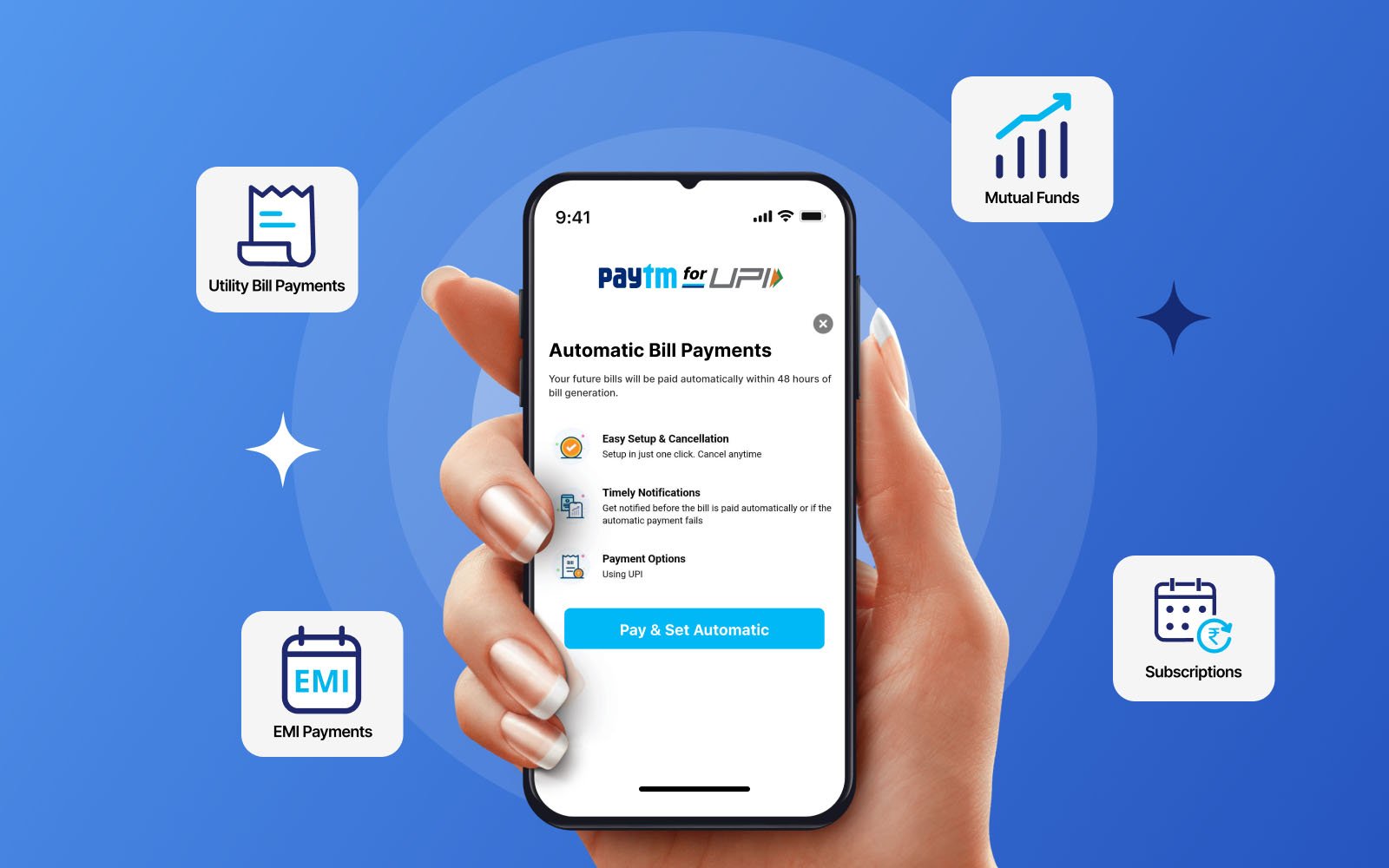

UPI Autopay is transforming how Indians manage recurring payments in 2026. From utility bills to subscriptions, users can automate transactions securely and avoid late fees. This guide explains how to set up, manage, and safely use UPI Autopay for monthly payments.
Using UPI Autopay for monthly bills has become a reliable way to avoid missed due dates and manual reminders. Built on India’s UPI infrastructure, this feature allows users to authorize automatic payments for recurring expenses such as electricity, mobile recharge, OTT subscriptions, and loan EMIs.
Understanding UPI Autopay and How It Works
UPI Autopay is a feature introduced by NPCI that enables recurring e-mandates through UPI apps. It allows users to pre-approve payments that are automatically deducted on scheduled dates.
Unlike traditional auto-debit systems linked to cards or bank accounts, UPI Autopay gives users more control. Each mandate includes details such as amount, frequency, start date, and end date. Users receive notifications before the payment is processed.
For transactions up to a certain limit, payments can be executed automatically. For higher amounts, additional approval through UPI PIN may be required depending on app policies and RBI guidelines.
Step-by-Step Guide to Set Up UPI Autopay Mandate
Setting up UPI Autopay is straightforward and can be done through popular apps like Google Pay, PhonePe, or Paytm.
Start by selecting the service you want to automate, such as a subscription or utility bill. Choose UPI Autopay as the payment option during checkout.
Enter your UPI ID and select your preferred UPI app. You will receive a mandate request notification. Open your app, review the details carefully, and approve the mandate using your UPI PIN.
Once approved, the mandate becomes active. Payments will be deducted automatically as per the schedule. You can view all active mandates within the app under the Autopay or mandates section.
Managing Recurring Payments and Mandates Efficiently
Managing UPI Autopay mandates is essential to avoid unwanted deductions. Users can modify, pause, or cancel mandates at any time through their UPI app.
It is advisable to regularly review active mandates, especially for subscriptions that are no longer in use. Most apps send reminders 24 hours before the payment is processed, giving users time to take action.
For bill payments like electricity or DTH, ensure that sufficient balance is maintained in your bank account to avoid failed transactions. Failed payments may lead to service disruption or late fees.
Tracking payment history within the app helps maintain financial records and ensures transparency.
Benefits of Using UPI Autopay for Monthly Bills
UPI Autopay offers convenience and reliability, especially for users managing multiple recurring payments. It eliminates the need for manual payments and reduces the risk of penalties due to missed deadlines.
The system is secure, as each mandate requires explicit approval and can be revoked anytime. Real-time notifications keep users informed about upcoming and completed transactions.
For households in Tier-2 and Tier-3 cities, where manual bill payments may still involve offline processes, UPI Autopay simplifies the entire experience.
It also supports a wide range of services including OTT platforms, insurance premiums, SIP investments, and utility bills.
Common Issues and How to Avoid Them
One common issue is insufficient bank balance at the time of deduction. This can lead to failed transactions and service interruptions. Always ensure adequate funds before the due date.
Another issue is forgetting about active mandates. Users may continue paying for services they no longer use. Regular review of mandates prevents unnecessary expenses.
Technical glitches or delayed notifications can occasionally occur. In such cases, checking the app manually or contacting customer support helps resolve issues quickly.
Security concerns are minimal if users avoid sharing UPI credentials and verify mandate details before approval.
Takeaways
- UPI Autopay enables automatic payments for recurring bills and subscriptions
- Users can set, manage, and cancel mandates directly through UPI apps
- Timely notifications help avoid missed payments and penalties
- Regular review of mandates prevents unwanted deductions
FAQs
Q1. Is UPI Autopay safe to use for bill payments?
Yes, it is secure as each mandate requires user approval and can be canceled anytime through the app.
Q2. Can I cancel a UPI Autopay mandate after setting it up?
Yes, you can cancel or pause mandates anytime from your UPI app.
Q3. What happens if there is insufficient balance in my account?
The payment will fail, and you may need to pay manually to avoid penalties.
Q4. Which bills can be paid using UPI Autopay?
You can automate payments for utilities, subscriptions, insurance, and other recurring expenses.