
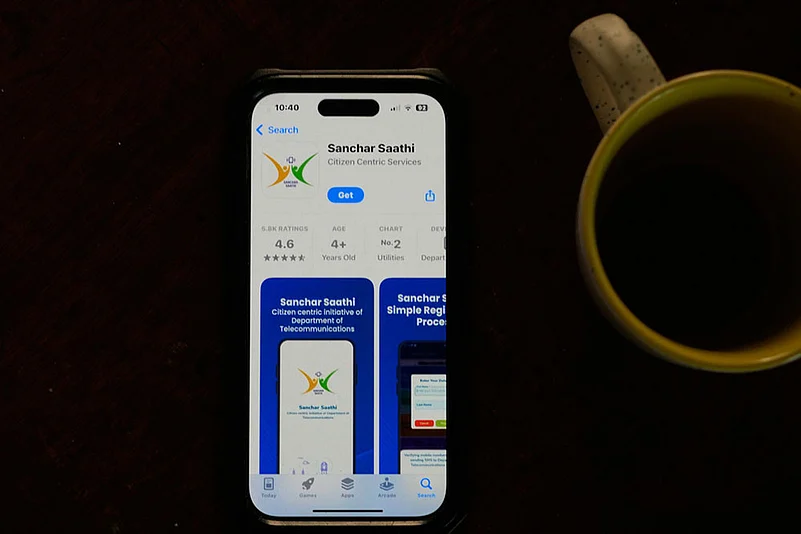

The recent reversal of the mandatory preinstallation rule has raised concerns among smartphone users, and many now want to check if the Sanchar Saathi app is already present on their device. This guide explains how to verify its presence and how to remove or disable it if you prefer not to keep it.
Sanchar Saathi is a government developed cybersecurity and anti fraud platform that helps users track lost devices and block connections linked to fraudulent activity. While the service remains active, the government has withdrawn its requirement for manufacturers to preinstall the app. Users now have full choice, but clarity on detection and removal is essential.
How Sanchar Saathi preinstallation worked before the mandate reversal
Before the policy change, some manufacturers integrated the app through system level configurations or device setup flows. This meant the app might not appear like a typical Play Store installation. Understanding these installation paths helps users identify where to look. Some OEMs placed the app in system folders while others enabled a system level link that redirected to the service during setup.
How to check if Sanchar Saathi is present on your smartphone
Start with the direct method. Open the app drawer and scan all pages for the Sanchar Saathi icon. Some devices may group it under tools or security categories. If you cannot find it, check the installed apps list inside settings. Go to Settings, open Apps or App Management, and use the search bar to look for Sanchar Saathi. If the app exists as a system app, it will show up even if not visible in the app drawer.
A secondary check involves the Play Store. Search for Sanchar Saathi. If the listing shows Uninstall or Update, the app is already installed. If it only shows Install, it is not active on your device. On certain devices the preinstalled version may not link to the Play Store, so the Settings based check remains the most reliable.
How to remove or disable the Sanchar Saathi app safely
If the app appears as a regular installation, removal is straightforward. Open the app details in Settings and tap Uninstall. If you face a system level version, the uninstall button might be disabled. In such cases, you can disable the app. Disabling hides the app, stops its services, and prevents background activity. Tap Disable and confirm. This action does not impact other critical system operations.
If the disable option is unavailable, it means the manufacturer has locked the app as part of the system image. In this situation, you can revoke permissions, turn off background data access, and restrict notifications to neutralize its activity. These controls ensure no data is shared without user intent.
How to verify the app is fully removed or inactive
After uninstalling or disabling, return to the app list and confirm its status. A disabled system app will show Disabled next to its name. A fully removed app will not appear in the list. Open the Play Store again and check if the option now shows Install. This confirms that no active instance remains on the device.
Users who want to ensure no background communication occurs can check Data Usage settings. Locate the app and ensure both mobile data and WiFi background access are toggled off. This step is optional but useful for users who prefer additional control.
Should you keep or remove Sanchar Saathi
Keeping the app provides benefits such as instant access to device blocking tools and scam reporting functions. Removing it gives privacy conscious users more control. The service can still be accessed through a browser, so uninstalling the app does not prevent you from using the core features when needed. The choice depends on how you balance convenience and privacy.
Takeaways
Sanchar Saathi may appear as a preinstalled or system level app depending on device brand
Users can check for it through Settings, the app drawer, or the Play Store
Uninstalling works for regular installs while system apps can be disabled instead
Removing the app does not block access to the platform through its website
FAQs
Is it unsafe to uninstall Sanchar Saathi?
No. Removing it does not affect core functions of your smartphone. You can still access the platform through the official website if required.
Why is the app visible in Settings but not in the app drawer?
Some manufacturers hide system level applications from the app drawer. The Settings list always reflects the complete app inventory.
What if my device does not allow disabling the app?
You can restrict permissions, background data, and notifications to prevent the app from functioning.
Can the app reinstall automatically after an update?
Post mandate reversal, manufacturers are not required to preload or reinstall the app. If it reappears, users can uninstall or disable it again.