
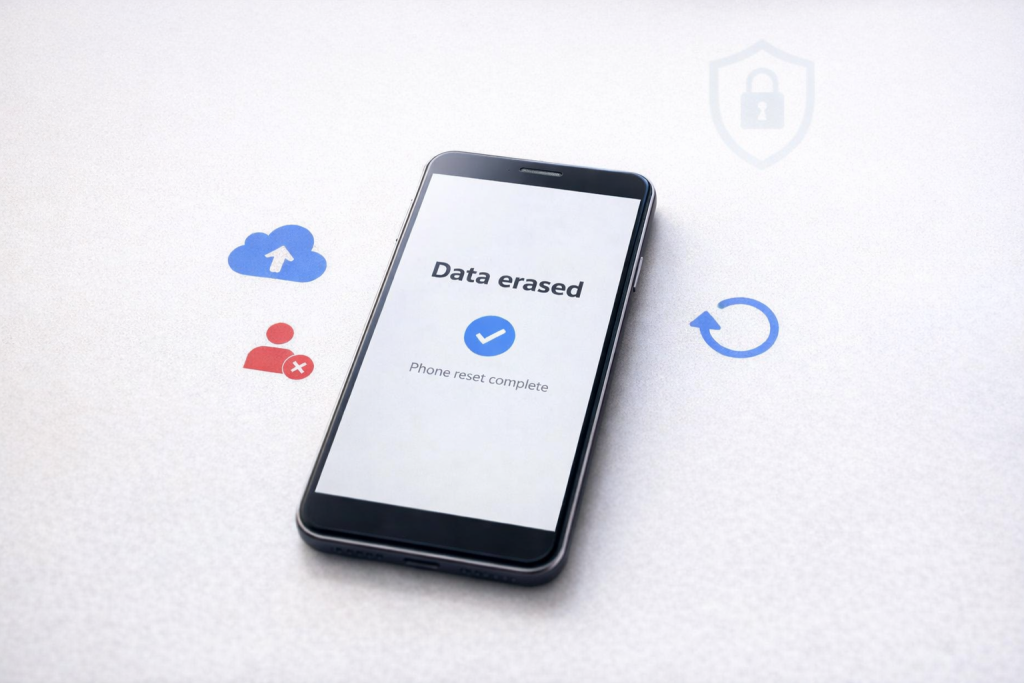

Selling or exchanging an old smartphone can help offset the cost of a new device, but it also carries privacy risks. Personal photos, banking details, passwords, messages, and account information may remain accessible if proper precautions are not taken before handing over the phone.
Protecting smartphone data before selling or exchanging a device is one of the most important cybersecurity steps consumers can take. Modern smartphones store large amounts of personal information, including financial records, private conversations, location history, and login credentials. Simply deleting files is often not enough. A structured approach helps ensure that sensitive data does not fall into the wrong hands.
Why Smartphone Data Protection Matters
Most smartphone users underestimate how much personal information is stored on their devices. Beyond photos and videos, smartphones contain email accounts, social media profiles, payment applications, browsing history, saved passwords, contact lists, and cloud service access.
If a device is sold without proper preparation, a new owner may potentially recover personal information or gain access to linked accounts. Cybersecurity experts regularly advise users to perform a complete data backup, account removal, and factory reset before transferring ownership.
This is particularly important because many applications remain logged in automatically. Even if visible files are deleted, account access tokens and cached information can sometimes remain if the device is not reset correctly.
A few extra minutes spent securing a smartphone can prevent identity theft, unauthorized transactions, and privacy breaches.
Back Up Important Data Before Resetting
Before removing anything, users should create a complete backup of their smartphone data.
Android users can typically back up information through their Google account, while iPhone users can use iCloud or a computer-based backup. Important items include contacts, photos, videos, documents, notes, messages, and app data where available.
Users should verify that backups have completed successfully before proceeding. A common mistake is performing a factory reset only to discover that important files were never copied.
It is also wise to manually transfer critical documents and media to an external hard drive or cloud storage service as an additional safeguard.
A verified backup ensures a smooth transition to a new device without losing valuable personal information.
Remove Accounts and Disable Security Features
One of the most important steps before selling a smartphone is removing linked accounts.
Android devices should have the primary Google account removed before reset. iPhone users should sign out of Apple ID and disable Find My iPhone. These steps prevent activation lock issues for the next owner and protect personal account access.
Users should also sign out of banking applications, digital wallets, social media platforms, email accounts, and messaging services. Removing connected accounts reduces the risk of unauthorized access after the device changes hands.
Security features such as screen locks, biometric authentication, fingerprint recognition, and facial recognition should also be disabled before the final reset process.
This ensures the phone is fully detached from the previous owner’s digital identity.
Perform a Complete Factory Reset
A factory reset is the most effective method for removing personal information from a smartphone.
Modern Android and iPhone devices include built-in factory reset options that erase user data and restore the operating system to its original state. This process removes installed applications, account information, messages, settings, and personal files.
Before starting the reset, ensure the device is sufficiently charged or connected to power. Interrupting the process could cause software issues.
While modern smartphones use encryption to protect stored data, performing a factory reset remains a recommended best practice before resale or exchange.
After the reset is complete, the device should restart and display the initial setup screen typically seen when the phone is first purchased.
Check SIM Cards, Memory Cards, and Accessories
Many users focus on the phone itself and forget about removable components.
Before selling a device, remove the SIM card and any microSD memory card that may contain photos, videos, documents, or downloaded files. Leaving these items behind could expose personal information even if the phone has been reset.
It is also useful to review paired devices such as smartwatches, wireless earbuds, and Bluetooth accessories. Unpairing them prevents connectivity issues for the next owner and removes unnecessary device associations.
Checking every storage location helps ensure no sensitive information is accidentally transferred.
How to Verify Your Data Has Been Removed
After completing the factory reset, users should conduct a final inspection.
Restart the device and verify that it opens to the setup screen rather than a personal home screen. Attempting to access applications, photos, contacts, and messages should reveal that no personal information remains.
If the device still displays account information or personal content, repeat the reset process after removing any remaining accounts.
Taking this final verification step provides confidence that private information has been securely removed before sale or exchange.
Takeaways
• Always back up important files before selling or exchanging a smartphone.
• Remove Google, Apple, banking, email, and social media accounts before resetting the device.
• Perform a complete factory reset to erase personal information.
• Remove SIM cards and memory cards to prevent accidental data exposure.
FAQ
Q1. Is deleting photos enough before selling a smartphone?
No. Deleted files may sometimes be recoverable. A full factory reset is the recommended method for removing personal data.
Q2. Should I remove my Google or Apple account before resetting?
Yes. Removing accounts helps prevent activation lock issues and protects access to personal information.
Q3. Can someone recover my data after a factory reset?
Modern smartphones use encryption, making recovery significantly more difficult after a proper factory reset. However, following all recommended steps provides the best protection.
Q4. Do I need to remove my SIM card before selling the phone?
Yes. SIM cards contain personal network information and should always be removed before transferring ownership.
(Internal Keyword Suggestions: protect smartphone data, smartphone security tips, factory reset smartphone, sell old phone safely, smartphone privacy protection, data backup guide, Android security tips, iPhone data protection, mobile cybersecurity, exchange old smartphone safely)