
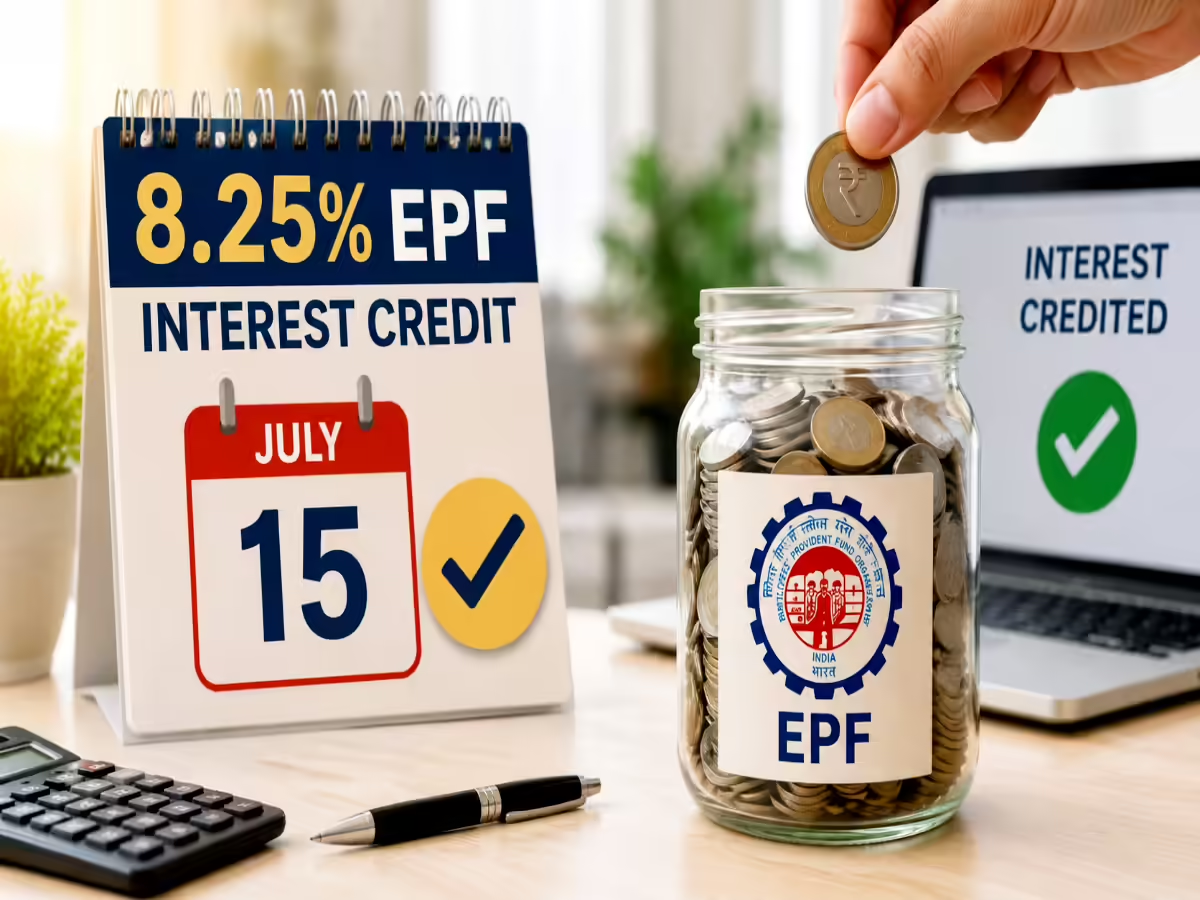

Checking your EPFO interest credit online is a quick process that helps employees verify whether the annual interest has been added to their Provident Fund account. This guide explains multiple official methods, common reasons for delays, and what to do if the interest is not visible.
The EPFO interest credit is one of the most searched topics among salaried employees every year after the Employees’ Provident Fund Organisation completes the annual interest posting process. Whether you work in a private company or have recently changed jobs, checking your EPF passbook takes only a few minutes using official platforms. Understanding how the process works can help you confirm your savings, identify any discrepancies early, and avoid misinformation circulating on social media.
The Employees’ Provident Fund Organisation credits annual interest after the government notifies the approved interest rate and EPFO completes the accounting process. Once the interest is posted, members can verify the updated balance online through official services.
What You Need Before Checking Your EPFO Interest
Before you begin, keep the following details ready:
- Your Universal Account Number (UAN)
- UAN should be activated
- Password for the EPFO Member Passbook portal
- Registered mobile number linked with your UAN
- Stable internet connection
If your UAN has not been activated, you must complete the activation process before accessing the online passbook.
Method 1: Check EPFO Interest Through the Member Passbook Portal
The official EPFO Member Passbook portal is the easiest and most reliable method.
Follow these steps:
- Visit the official EPFO Member Passbook website.
- Log in using your UAN and password.
- Complete the security verification if prompted.
- Select the Member ID linked to your employer.
- Open your EPF passbook.
- Scroll to the latest financial year.
- Look for the entry showing “Interest Update” or the latest balance after interest credit.
If the interest has been credited, your closing balance will increase accordingly. The passbook also displays monthly employee and employer contributions, making it easy to verify all transactions.
Method 2: Check EPF Balance Using the UMANG App
The Government of India’s UMANG app also allows members to view their EPF balance and passbook.
Steps include:
- Install the UMANG app from the official app store.
- Sign in with your mobile number.
- Navigate to EPFO services.
- Select “View Passbook.”
- Enter your UAN.
- Authenticate using the OTP sent to your registered mobile number.
- View your updated balance and recent transactions.
The app offers a convenient option for users who prefer checking their accounts on a smartphone.
Method 3: Check EPFO Balance Through SMS and Missed Call
If internet access is unavailable, EPFO also provides offline balance enquiry services.
For SMS:
Send the required SMS in the prescribed format from your registered mobile number to the official EPFO SMS service.
For missed call:
Give a missed call from your registered mobile number to the official EPFO balance enquiry number. After verification, you will receive an SMS containing your latest PF balance.
These services provide your balance but may not always display a detailed interest breakup like the online passbook.
Why Your EPFO Interest May Not Appear Immediately
Many employees become concerned if they do not see the interest immediately after the interest rate announcement.
There are several valid reasons for this:
- Interest is credited in phases across millions of accounts.
- Passbook updates may take a few days after processing.
- Employer contributions for recent months may still be under reconciliation.
- UAN details or KYC records may require updating.
In most cases, the interest reflects automatically once EPFO completes the processing cycle.
What to Do If Your Interest Is Still Missing
If you believe your interest has not been credited even after the passbook has been updated for the financial year, take the following steps:
- Verify that you are viewing the correct Member ID.
- Check whether your employer has deposited all pending EPF contributions.
- Confirm that your KYC details are updated.
- Raise a grievance through the EPFiGMS grievance portal.
- Contact your employer’s HR department for clarification if contributions appear incomplete.
Avoid relying on unofficial websites or social media posts claiming instant balance updates. Always verify information using official EPFO services.
Tips to Keep Your EPF Account Updated
Maintaining accurate account details helps prevent delays in accessing EPFO services.
Employees should:
- Link Aadhaar, PAN and bank account with UAN.
- Keep mobile number updated.
- Regularly check monthly employer contributions.
- Download the latest passbook periodically.
- Preserve UAN credentials securely.
Regular monitoring allows employees to detect missing contributions or account discrepancies at an early stage.
Why Checking Your EPFO Interest Matters
Your Employees’ Provident Fund is one of the largest long-term retirement savings instruments for salaried individuals in India. Annual interest significantly contributes to the growth of your retirement corpus through compounding.
Reviewing your passbook every year helps ensure that employer deposits are accurate, interest has been credited correctly, and your retirement savings remain on track. Spending just five minutes checking your account can provide confidence that your EPF records are complete and up to date.
Takeaways
- Check your EPFO interest using the official Member Passbook portal for the most detailed information.
- The UMANG app offers a convenient mobile alternative for viewing your EPF balance.
- Interest may appear after processing, even if the annual rate has already been announced.
- Always use official EPFO platforms and verify any missing interest through the grievance system if required.
FAQs
How can I check if my EPFO interest has been credited?
Log in to the official EPFO Member Passbook portal or use the UMANG app to view your latest passbook. The updated balance will reflect the credited interest once processing is complete.
Is the EPFO interest credited to all accounts on the same day?
No. EPFO generally credits interest in phases across millions of accounts, so some members may see updates earlier than others.
Can I check my EPF balance without internet access?
Yes. You can use the official EPFO missed call or SMS service from your registered mobile number to receive your current balance details.
What should I do if my interest is not showing?
First verify your passbook, employer contributions and KYC details. If everything appears correct but the interest is still missing after EPFO completes processing, submit a grievance through the official EPFiGMS portal.