
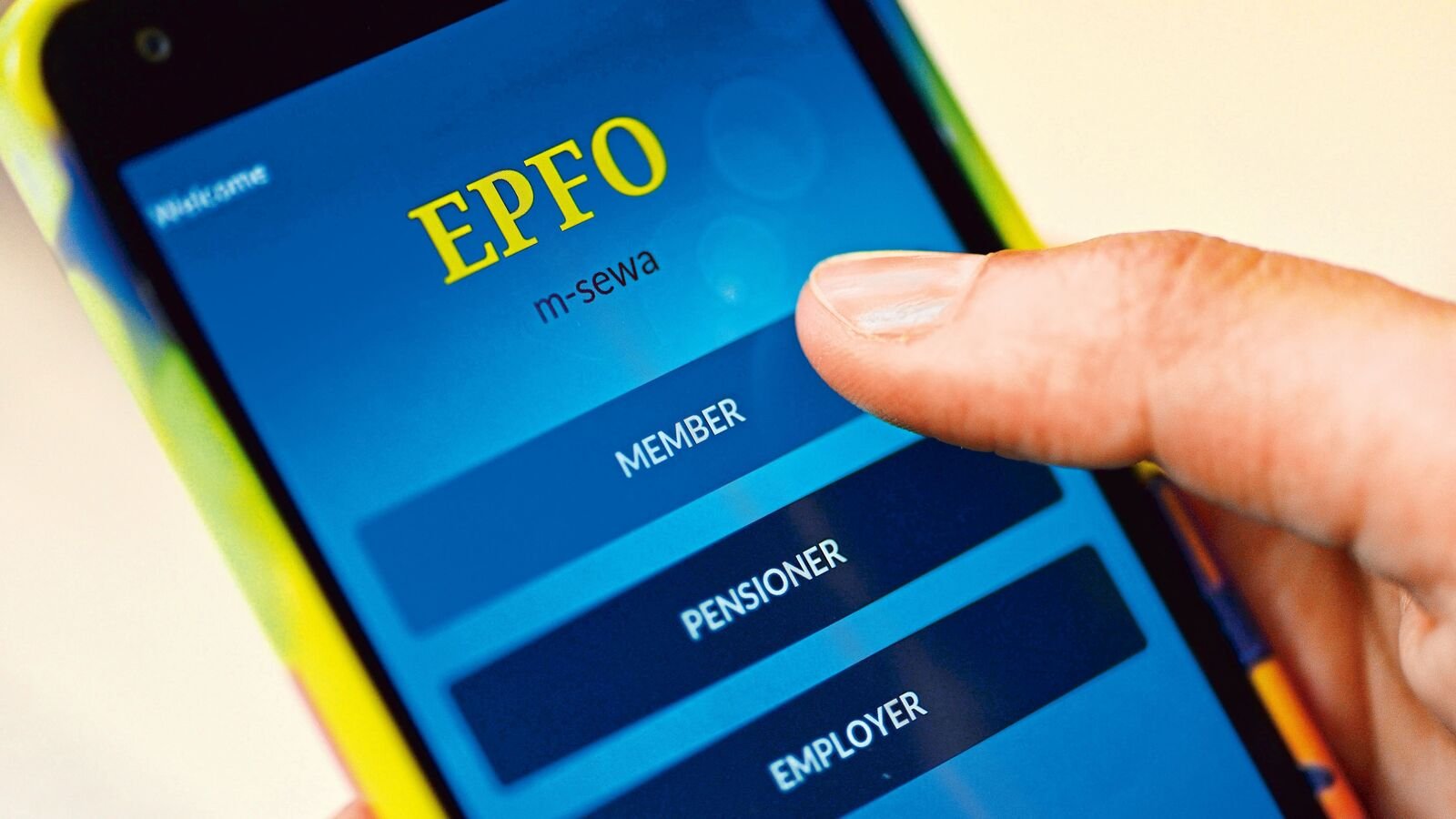

The Employees’ Provident Fund Organisation (EPFO) has expanded its digital services, allowing members to access many PF-related facilities online. This guide explains how to use the EPFO portal to apply for services, update details, submit claims, and track requests efficiently.
For salaried employees in India, knowing how to apply for EPF services through the Digital EPFO Portal can save both time and unnecessary visits to government offices. The Employees’ Provident Fund Organisation has gradually shifted many member services online, enabling users to manage provident fund accounts, update personal information, file claims, and monitor application status from anywhere. Whether you have recently joined a company or have been contributing to EPF for years, understanding the portal can help you make the most of its digital services.
Understanding the EPFO Digital Portal and UAN Services
The EPFO Digital Portal serves as the primary online platform for provident fund members, employers, and pensioners. Most member-related services are available through the Member e-Sewa section after logging in with the Universal Account Number (UAN).
Before accessing online services, members should ensure that their UAN has been activated. The mobile number linked with the UAN should also remain active since one-time passwords are used for authentication.
The portal allows users to view their PF passbook, verify contribution history, update nominee information, access account details, raise grievances, and submit eligible claims electronically. Keeping Aadhaar, PAN, and bank account details correctly linked with the UAN helps ensure smoother processing of online requests.
Steps to Apply for EPF Services Online
Applying for EPF services through the portal follows a straightforward process once your account is ready.
Begin by logging into the EPFO Member e-Sewa portal using your UAN, password, and the required verification code. After successful login, verify that your profile details such as Aadhaar, PAN, bank account, and KYC information are complete and approved where applicable.
Depending on your requirement, select the appropriate service from the available menu. Members can access options related to claim submission, profile updates, nominee management, service history, or other account-related requests.
Before submitting any application, carefully review all entered information. Incorrect bank account numbers or mismatched personal details may delay processing. After submission, the portal generates an acknowledgement or reference number that can be used to track the status of the request.
Common EPF Services Available Through the Portal
The digital platform supports a wide range of services that previously required physical paperwork.
Eligible members can submit online claims for provident fund withdrawal, pension benefits where applicable, or advance withdrawals permitted under EPF rules for specified purposes such as medical treatment, housing, education, or other eligible circumstances.
Members can also update nomination details through the e-Nomination facility, download account information, view employer contributions, and verify service history.
In addition, the portal allows users to update certain profile information, subject to applicable verification requirements. Employees changing jobs can also monitor the transfer status of their provident fund accounts if eligible services are available through the online system.
These digital facilities have reduced paperwork while making many routine EPF services more accessible.
Tips for Faster Processing of Online EPF Requests
Although many applications are submitted online, approval depends on the accuracy of the information provided and compliance with EPF rules.
Ensure that your Aadhaar, PAN, date of birth, bank account details, and name match official records. Any mismatch between KYC documents and EPFO records may require correction before claims can be processed.
Members should regularly verify that monthly employer contributions are being reflected correctly in their PF account. Reviewing your passbook periodically can help identify discrepancies early.
Keep copies of important acknowledgements and application reference numbers until your request is completed. If any issue remains unresolved, members can use the EPFO grievance management system to seek assistance.
Benefits of Using the EPFO Digital Platform
The shift toward digital services has made provident fund management significantly more convenient for employees across India. Instead of visiting regional offices for routine tasks, members can complete many services online using a computer or smartphone.
Online processing also improves transparency by allowing applicants to monitor the progress of their requests. Digital records reduce dependence on physical documents while helping members access account information whenever required.
For employees working in different cities or frequently changing jobs, the online portal simplifies account management and provides quicker access to important EPF-related services.
As digital governance continues to expand, using the EPFO portal has become an essential part of managing long-term retirement savings efficiently.
Key Takeaways
- Activate your UAN and keep Aadhaar, PAN, and bank details updated before using online services.
- Most routine EPF services, including eligible claims and account management, can be accessed through the Member e-Sewa portal.
- Accurate KYC information helps prevent delays in claim processing.
- Always save acknowledgement numbers and track your application status through the portal.
Frequently Asked Questions
Q1. What is a UAN and why is it important?
The Universal Account Number (UAN) is a unique identification number assigned to EPF members. It allows employees to access various EPFO online services and manage multiple PF accounts linked to different employers.
Q2. Can I submit an EPF claim completely online?
Eligible members whose KYC details are properly updated and verified can submit many EPF claims online through the Member e-Sewa portal, subject to applicable EPFO rules.
Q3. What documents should be linked before using the portal?
Members should ensure that Aadhaar, PAN, bank account details, and mobile number are correctly linked with their UAN wherever required.
Q4. How can I check the status of my EPF application?
After submitting a request, members can log into the EPFO portal and use the application reference or claim status feature to monitor the progress of their request.
(Internal Keyword Suggestions: how to apply for EPF services through the digital EPFO portal, EPFO Member e-Sewa, UAN activation, EPF online claim, PF withdrawal online, EPFO digital services, EPF account management, e-Nomination EPFO, EPFO claim status, provident fund online services India)