
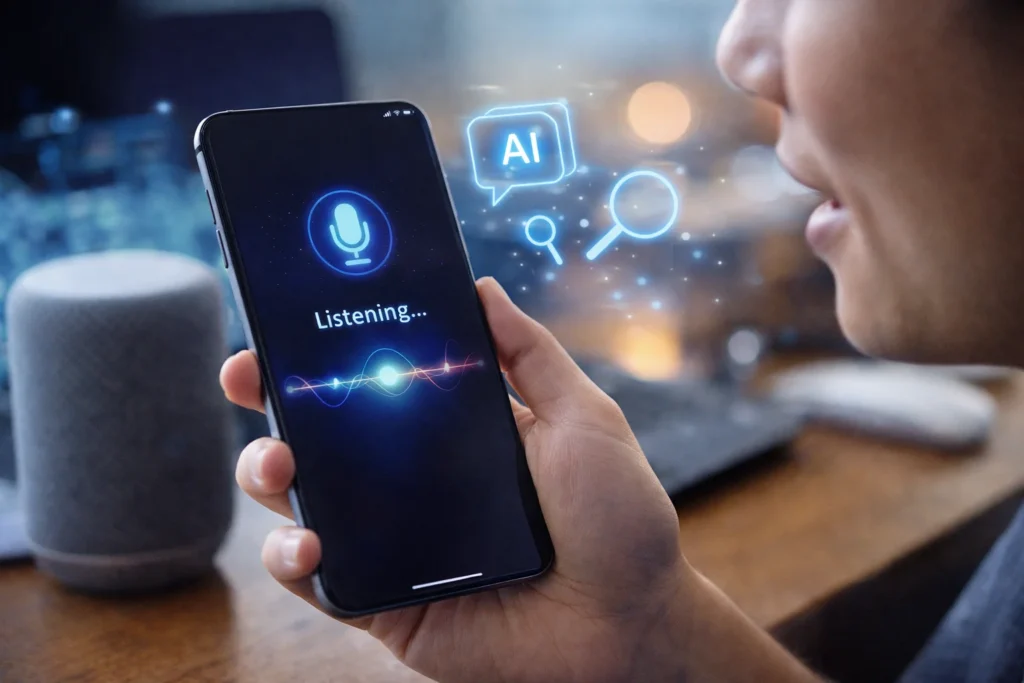

Optimizing smartphone voice assistants has become easier with the latest AI updates, including improvements seen in UI 8.5 features such as enhanced Bixby capabilities. This guide explains how to configure, personalize, and secure your voice assistant for faster, smarter performance in 2026.
Smartphone voice assistants are no longer limited to setting alarms or checking the weather. With recent AI updates integrated into modern mobile interfaces like UI 8.5, assistants such as Bixby now support more conversational commands, contextual understanding, and deeper app integration. To get the best performance, users must actively configure and optimize these tools.
Understanding the Latest AI Improvements in Voice Assistants
Recent AI driven updates focus on natural language processing, on device intelligence, and contextual awareness. Voice assistants can now understand follow up questions without repeating the full command. For example, after asking about today’s schedule, you can say move the second meeting to 4 PM and the assistant recognizes the context.
In UI 8.5, improvements include faster voice recognition, better integration with system settings, and enhanced support for multilingual inputs. On device AI processing reduces response time and improves privacy by limiting the need to send data to cloud servers.
To optimize performance, first ensure your device is updated to the latest software version. Go to system settings and check for software updates. Installing the latest patch ensures access to new AI models and security fixes.
Customizing Voice Recognition and Language Settings
Accurate voice recognition is the foundation of an optimized smartphone voice assistant. Start by retraining your voice model if the option is available. Many assistants allow you to record sample phrases to improve recognition accuracy.
Adjust language preferences carefully. If you frequently switch between English and a regional language, enable multilingual support where supported. Some AI updates allow automatic language detection, which improves command accuracy.
Turn on voice wake up sensitivity settings based on your environment. In noisy areas, increasing sensitivity can help, but in quieter settings, lower sensitivity reduces accidental activations.
Integrating Voice Assistant with Daily Apps and Smart Features
The true value of AI powered assistants lies in automation. Connect your assistant to frequently used apps such as calendar, reminders, messaging, music streaming, and smart home controls.
In updated UI environments, you can create quick commands or routines. For example, a single phrase like start work mode can turn on Wi Fi, open your email app, and set the phone to silent. These automation features reduce repetitive manual tasks.
Review app permissions regularly. Grant access only to trusted apps. Limiting unnecessary permissions improves both performance and data security.
Enhancing Productivity with Advanced AI Commands
Modern voice assistants support more complex commands. Instead of basic instructions, try compound queries such as schedule a meeting with Rahul tomorrow at 3 PM and send him a reminder message. Advanced AI models can handle multi step requests in one command.
Use voice typing for emails and notes. With improved speech to text accuracy, long form dictation is now practical. Speak clearly and use punctuation cues such as comma or full stop if supported.
Leverage contextual awareness. Some assistants can suggest actions based on screen content. For instance, while viewing a flight message, you can ask to add this to my calendar without manually entering details.
Optimizing Privacy and Data Security Settings
AI powered voice assistants rely on data to function efficiently. However, privacy optimization is equally important. Review voice history settings and delete stored recordings periodically.
Check whether your assistant processes data on device or through cloud servers. On device processing enhances privacy and often improves response speed.
Disable continuous microphone access for third party apps that do not require it. Also, activate device level security features such as biometric authentication to prevent unauthorized voice assistant usage.
Troubleshooting Performance Issues After AI Updates
If your smartphone voice assistant becomes slow or unresponsive after an update, start by clearing the app cache from settings. Restarting the device can also resolve temporary glitches.
Ensure stable internet connectivity if cloud processing is enabled. Poor network signals may delay responses.
If voice commands are not recognized accurately, retrain the wake word and check microphone hardware for dust or obstruction. In rare cases, resetting assistant settings to default and reconfiguring preferences can restore optimal performance.
Making the Most of Bixby and Similar Assistants in 2026
Assistants like Bixby have evolved from simple task managers to AI companions integrated deeply within the smartphone ecosystem. They can control system settings, summarize notifications, and even assist with device diagnostics.
Explore the settings menu thoroughly. Many users overlook hidden customization features such as voice tone selection, feedback preferences, and automation triggers.
Consistent usage improves AI adaptation. The more you use voice commands for daily tasks, the better the assistant learns patterns and personal preferences, enhancing overall efficiency.
Takeaways
• Update your smartphone to access the latest AI powered voice assistant features
• Customize voice recognition, language, and wake up sensitivity settings
• Use automation routines to streamline daily tasks
• Review privacy settings and delete stored voice history regularly
FAQs
Q1. How do I improve voice recognition accuracy on my phone?
Retrain your voice model in assistant settings, speak clearly during setup, and ensure your microphone is clean and unobstructed.
Q2. Does on device AI improve privacy?
Yes. On device processing reduces the amount of voice data sent to cloud servers, enhancing privacy and often improving response time.
Q3. Can I use multiple languages with voice assistants?
Many modern assistants support multilingual commands. Enable multiple language settings if your device supports it.
Q4. Why is my voice assistant slower after an update?
Temporary cache buildup or background optimization processes may cause delays. Clearing cache, restarting the device, or updating again can resolve the issue.