
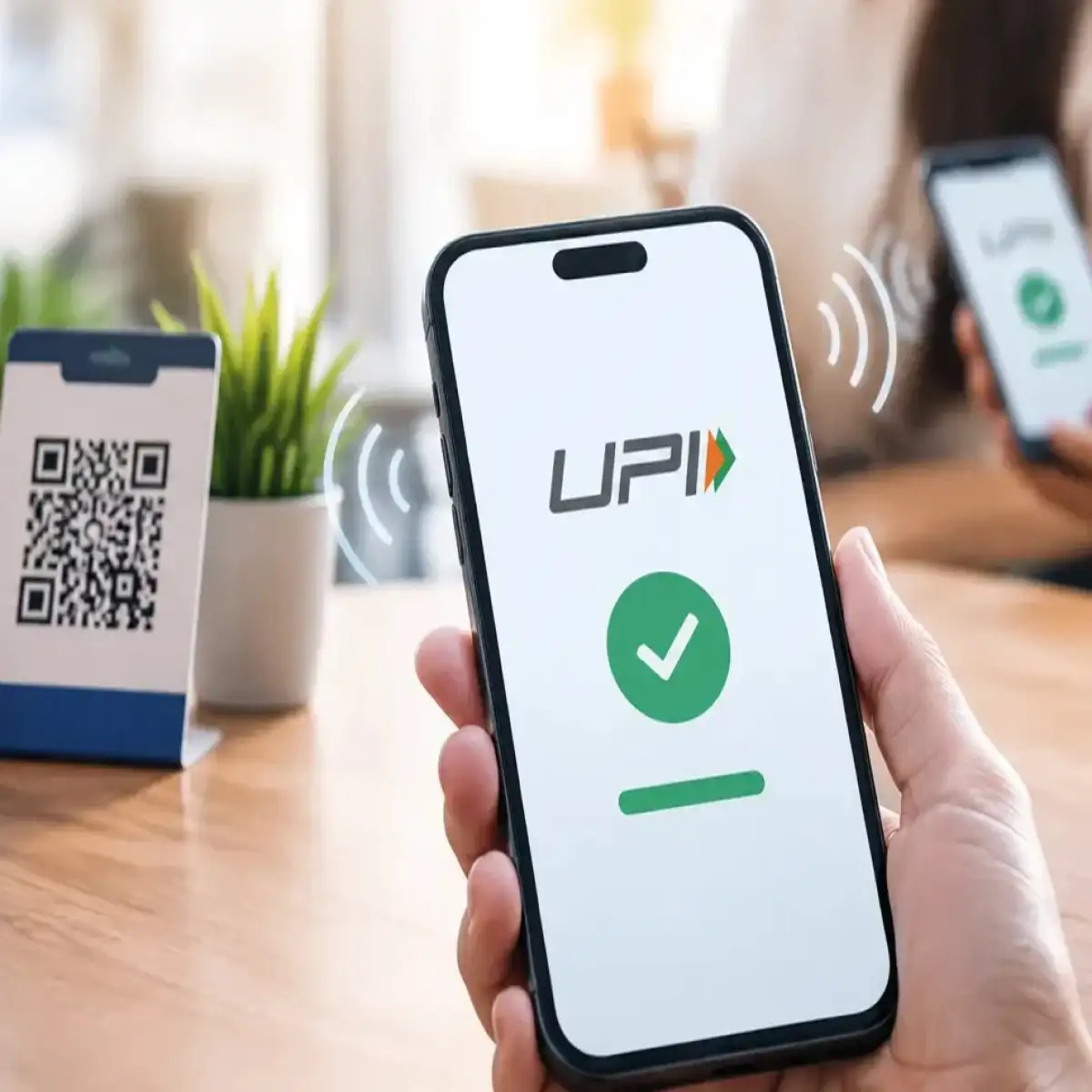

Festive shopping brings more online payments, cashback offers, discount links and QR code transactions. For UPI users, this also means more opportunities for fraudsters to exploit urgency and confusion. A few simple precautions can help shoppers protect their UPI account while paying online or at local stores.
The festive shopping season is one of the busiest periods for digital payments in India. Consumers use UPI to pay for clothes, electronics, groceries, travel, food, gifts and household products. Smaller towns and Tier-2 and Tier-3 cities are also increasingly dependent on digital payments for everyday purchases.
At the same time, fraudsters often use shopping-related messages, fake cashback offers, fraudulent customer-care numbers, suspicious links and QR codes to target users. The National Payments Corporation of India (NPCI) specifically warns users about fake cashback links, QR-code scams, unknown applications, social media messages and other forms of digital-payment fraud.
Here are the key steps consumers should follow to protect their UPI accounts during the festive shopping season.
Never Share Your UPI PIN or OTP
The most important rule for UPI users is simple: never share your UPI PIN or OTP with another person.
Your UPI PIN is used to authorise transactions. A bank employee, payment app representative, merchant or customer-care executive should not ask you to disclose it. The same applies to OTPs and other banking credentials.
Fraudsters may pretend to be customer-care representatives or sellers and create a sense of urgency. They may claim that a payment has failed, a refund is pending or an account needs verification.
Do not provide your PIN or OTP to resolve such claims. If you need assistance, use the official customer-support option available inside your bank or payment application.
Be Careful With Festive Cashback Links
Festive sales often bring messages promising cashback, vouchers, gift cards or special discounts. Some genuine offers exist, but users should not assume that every message offering a reward is legitimate.
NPCI lists fake cashback links among the fraud patterns against which digital-payment users should remain vigilant.
Do not click unknown links received through WhatsApp, SMS, email or social media simply because the message mentions a popular shopping platform. Instead, open the retailer’s official application or website separately and check whether the offer actually exists.
The same rule applies to messages claiming that you have won a festive reward. A discount should never require you to reveal your UPI PIN.
Understand How QR Code Payments Work
QR codes are now common at shops, restaurants, roadside businesses and local markets. However, users need to understand an important distinction between making and receiving payments.
NPCI warns that scanning a QR code and entering a UPI PIN is meant for making a payment, not receiving money.
For example, if someone tells you to scan a QR code to receive a refund or cashback and then asks you to enter your UPI PIN, stop the transaction and verify the request.
Before authorising a payment, check the recipient’s name and the amount displayed in your UPI application. If the details do not match the person or business you intended to pay, cancel the transaction.
Avoid Unknown Apps and Screen-Sharing Requests
Another common risk comes from applications that users are persuaded to download during a supposed refund, customer-support or verification process.
NPCI includes downloading unknown apps among the digital-payment risks users should watch for.
Do not install an application merely because someone sends you an APK file or gives you a download link through a message. Be particularly cautious if someone asks you to install remote-access or screen-sharing software while handling a payment problem.
A person claiming to help with a failed transaction does not need access to your phone screen or banking credentials.
Use Official Shopping and Payment Apps
Festive offers are often promoted through social media posts, advertisements and messages. Fraudsters can copy the names, logos and designs of legitimate companies to make fake pages appear genuine.
For payments, use the official UPI application or your bank’s verified application. Keep the application updated and avoid conducting financial transactions through suspicious websites.
The Reserve Bank of India advises users to keep payment applications updated, enable transaction alerts and immediately inform their bank about unusual or unauthorised transactions. It also advises against using public or unsecured networks for financial transactions.
Check Every Payment Before Entering the PIN
The few seconds before entering your UPI PIN can prevent an expensive mistake.
Before authorising a transaction, check three things:
- The name of the recipient
- The amount being transferred
- Whether you actually initiated the payment
This is especially important when shopping at crowded markets during the festive season. A user may accidentally approve the wrong payment request while dealing with multiple transactions.
Do not approve an unexpected collect request simply because it appears on your phone. If you are unsure about a payment request, reject it and contact the person or business through a trusted channel.
Keep Bank Alerts Active
SMS and email alerts can help users identify suspicious activity quickly. RBI recommends linking the registered mobile number and email ID with the bank account and using transaction alerts.
If you notice a transaction that you did not make, contact your bank immediately. Do not wait to see whether the transaction is reversed automatically.
Keeping notifications enabled also helps users track their festive spending and identify repeated or unusual transactions.
Avoid Public Wi-Fi for Financial Transactions
Free Wi-Fi at railway stations, cafes, malls and other public locations can be convenient, but users should avoid carrying out sensitive banking activities over unsecured networks.
RBI advises consumers to avoid transactions through unsecured or open networks such as public Wi-Fi.
If you need to make an important payment while outside your home or office, using your mobile network can be a safer option than connecting to an unknown public network.
What to Do If You Become a Victim of UPI Fraud
If money has been fraudulently transferred from your account, speed matters. Contact your bank or payment service provider immediately and report the transaction.
The Government of India’s National Cyber Crime Reporting Portal advises victims of financial cyber fraud to call the cybercrime helpline 1930. The helpline is available 24 hours a day, and complaints can also be submitted through the National Cyber Crime Reporting Portal.
Keep details such as the transaction ID, transaction date, amount, bank or payment application details and screenshots ready when reporting the incident. The official portal also provides facilities to report suspicious identifiers such as phone numbers, websites, email IDs and social media URLs.
The important point is not to delay reporting. Quick action gives banks and authorities an opportunity to examine the transaction and take appropriate steps.
Takeaways
- Never share your UPI PIN, OTP, passwords or banking credentials with anyone.
- Do not scan an unknown QR code or enter your PIN to receive a supposed cashback or refund.
- Verify the recipient name and payment amount before approving every UPI transaction.
- If you experience financial cyber fraud, contact your bank immediately and report it through 1930 or the National Cyber Crime Reporting Portal.
FAQ
Q1. Can someone take money from my account if I scan a QR code?
Scanning a QR code by itself does not automatically mean money will be debited. However, users should understand what the QR code is requesting before proceeding. If a payment is being initiated, the amount and recipient details should be checked carefully before entering the UPI PIN. NPCI specifically warns users about QR-code scams and fake cashback schemes.
Q2. Should I enter my UPI PIN to receive cashback?
No. NPCI states that scanning a QR code and entering a UPI PIN is intended for making payments, not receiving money. Treat requests to enter your PIN for a supposed cashback or refund as a warning sign.
Q3. What should I do after a fraudulent UPI transaction?
Immediately contact your bank or payment service provider and report the transaction. You should also call the national cybercrime helpline 1930 and report the incident through the National Cyber Crime Reporting Portal.
Q4. Is it safe to make UPI payments using public Wi-Fi?
It is better to avoid financial transactions over unsecured or open public Wi-Fi. RBI advises users to avoid conducting transactions through public or unsecured networks.