
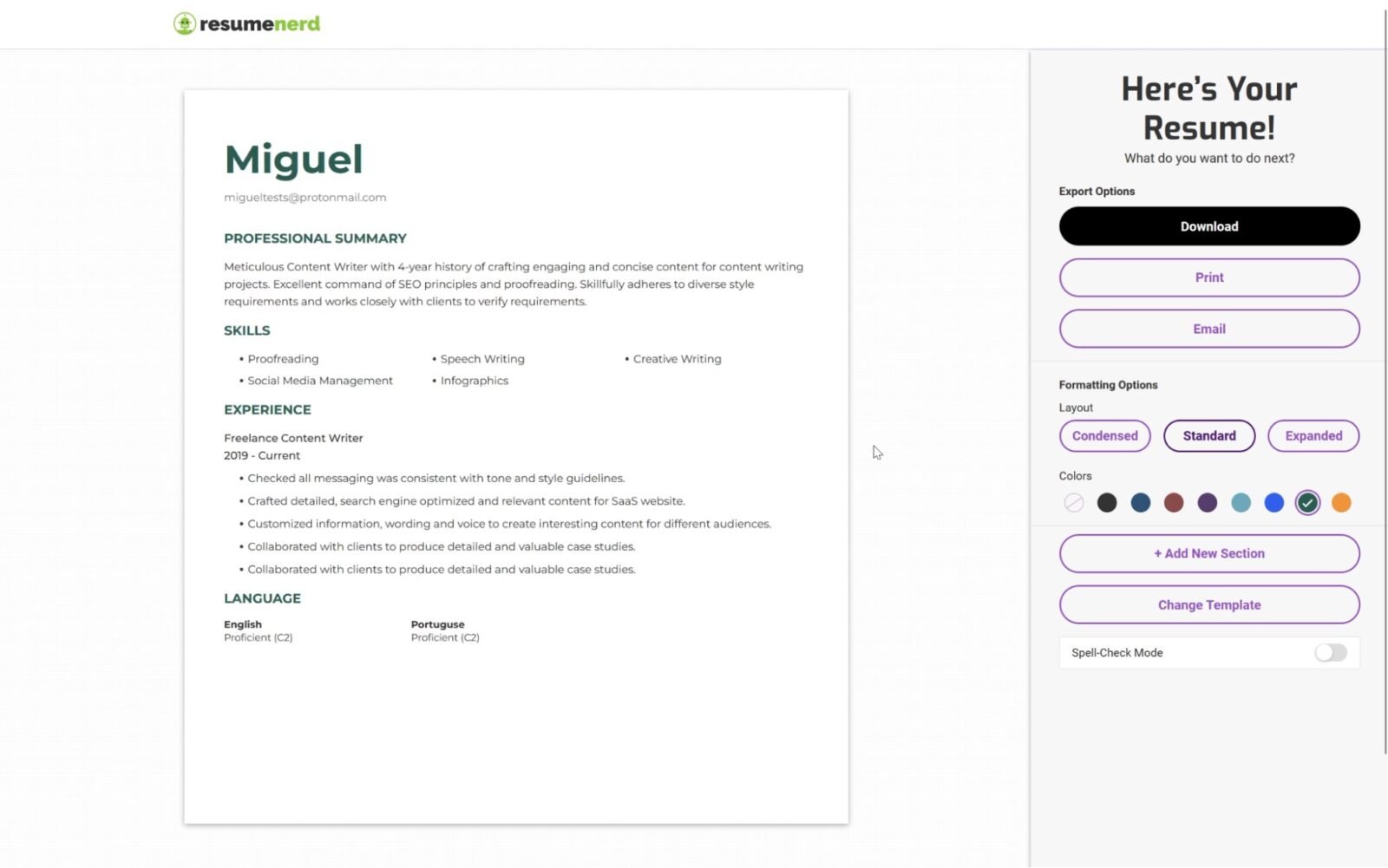

AI tools to create professional resumes for free have become a practical solution for job seekers in 2026. Whether you are a fresher, a college student, or an experienced professional, artificial intelligence can help you write stronger bullet points, improve formatting, and tailor your resume to specific job descriptions without paying for expensive software.
Why AI Resume Builders Are Popular in 2026
Recruiters now receive hundreds of applications for a single opening, and many companies use Applicant Tracking Systems (ATS) to scan resumes before a human reviews them. This means your resume must be well-structured, keyword-rich, and easy for software to read.
AI-powered resume tools help candidates generate professional summaries, rewrite weak descriptions, and suggest skills relevant to the job. Popular platforms include Canva, Kickresume, Rezi, and OpenAI tools like ChatGPT.
Many of these platforms offer free plans that are sufficient for creating a polished one-page resume.
What Information You Need Before Using AI
Before opening an AI resume builder, collect the following details:
- Full name and contact information
- LinkedIn profile and portfolio links
- Education details
- Work experience and internships
- Technical and soft skills
- Certifications and achievements
The quality of the output depends on the quality of the information you provide. If your inputs are vague, the generated resume will also be generic.
How to Create a Resume Using AI for Free
Step 1: Choose a Free AI Resume Tool
Select a tool based on your needs. Canva is useful for design-focused resumes, while Rezi and Kickresume are better for ATS-friendly layouts.
ChatGPT can help write content if you already have your raw experience details.
Step 2: Paste Your Experience Details
Provide your responsibilities and achievements in simple language.
For example:
“Managed Instagram content for a media company and increased engagement by 40 percent over six months.”
AI can convert this into a stronger bullet point with action verbs and measurable results.
Step 3: Match the Resume to the Job Description
Copy the job description and ask the AI tool to identify important keywords such as “SEO,” “data analysis,” or “customer support.”
Include only skills you genuinely possess.
Step 4: Review and Edit the Draft
Check dates, job titles, and claims carefully. AI may improve wording, but you are responsible for ensuring every statement is accurate.
Step 5: Export as PDF
Save the final version as a PDF unless the employer specifically requests another format.
Best Prompts to Use With AI Resume Tools
Useful prompts include:
- Rewrite these resume bullet points using strong action verbs.
- Create a professional summary for a digital marketing executive.
- Optimize my resume for an SEO content writer role.
- Suggest ATS keywords from this job description.
Specific prompts produce better results than general requests.
Common Mistakes to Avoid
Do not copy AI-generated text without reviewing it. Some outputs may sound impressive but fail to reflect your actual experience.
Avoid:
- Exaggerating achievements
- Adding skills you do not have
- Using overly complex language
- Choosing graphics-heavy templates for ATS submissions
A clean and honest resume performs better than a flashy one.
How Freshers Can Benefit From AI Resume Builders
Students and recent graduates often struggle to describe internships, projects, and extracurricular activities.
AI can help turn simple experiences into professional statements. For example, a college project can be presented as evidence of research, teamwork, and problem-solving skills.
This makes AI tools especially useful for first-time job seekers.
Takeaways
- Free AI tools can help write, format, and optimize professional resumes.
- ATS-friendly resumes improve your chances of passing automated screening.
- Accurate inputs lead to stronger and more relevant output.
- Always review AI-generated content before sending applications.
Frequently Asked Questions
Can AI create a resume completely for free?
Yes. Several platforms offer free resume generation, and ChatGPT can help write content at no cost.
Are AI-generated resumes accepted by recruiters?
Yes, as long as the information is truthful and the resume is well-structured.
Which format is best for job applications?
PDF is usually the safest format unless the employer specifies otherwise.
Can AI help tailor a resume for a specific job?
Yes. AI can identify important keywords and suggest relevant edits for each application.