
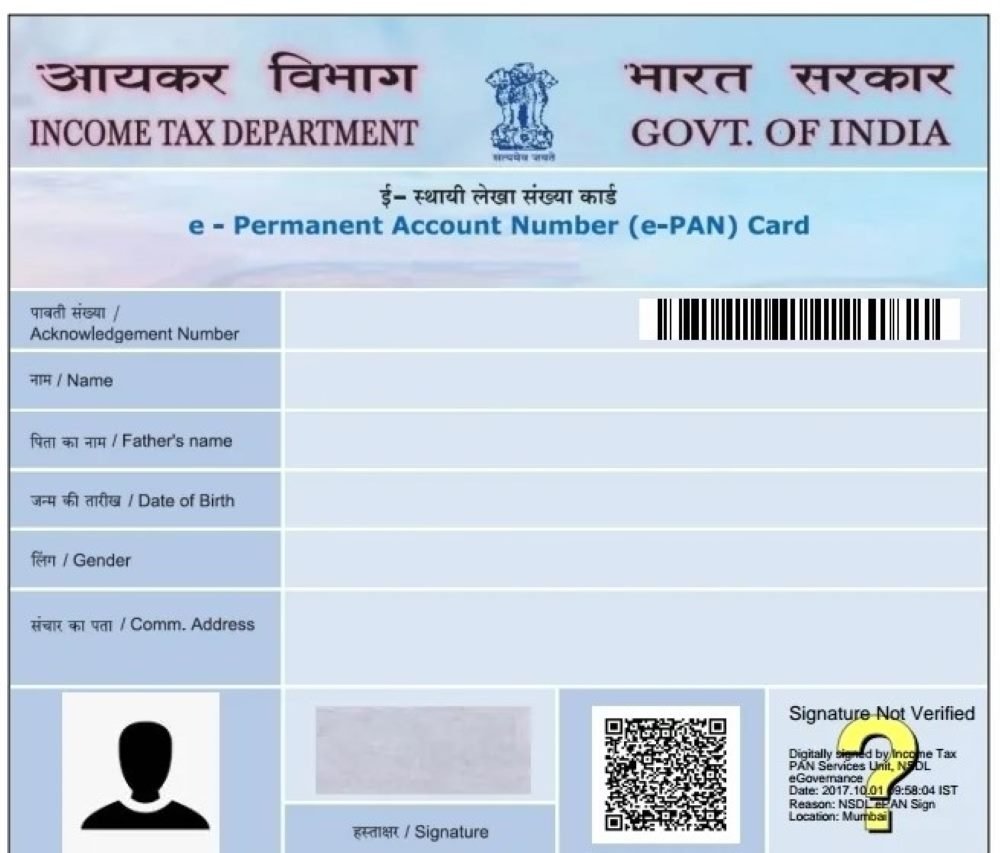

India’s PAN card services have become more streamlined in 2026, with the Income Tax Department and authorized agencies offering faster online access to e-PAN downloads, corrections, and status tracking. Here is a complete guide to using the new PAN card e-services portal safely and efficiently.
What Is the New PAN Card e-Services Portal?
The PAN card e-services ecosystem in 2026 includes three official platforms:
- The Income Tax Department’s e-Filing portal for Instant e-PAN services
- Protean eGov Technologies (formerly NSDL) for PAN applications, corrections, and reprints
- UTIITSL PAN Services for PAN-related requests
These portals allow users to apply for a new PAN, download e-PAN, update details, and check application status without visiting a physical office. The Income Tax Department confirms that individuals with Aadhaar and an Aadhaar-linked mobile number can generate an Instant e-PAN free of cost.
Who Can Use the Portal?
The online PAN services are available to:
- First-time PAN applicants
- Existing PAN holders needing a reprint
- Individuals updating name, address, or date of birth
- Users who want to download an e-PAN PDF
- Taxpayers checking application status
For Instant e-PAN, you must be an individual who does not already hold a PAN and whose Aadhaar is linked to a mobile number.
How to Download e-PAN from the Income Tax Portal
If you received an Instant e-PAN, this is the fastest and free method.
Step 1: Visit the Official Portal
Go to Income Tax e-Filing Portal.
Step 2: Select Instant e-PAN
Click on “Instant e-PAN” under Quick Links.
Step 3: Choose Download e-PAN
Enter your Aadhaar number.
Step 4: Verify OTP
An OTP will be sent to your Aadhaar-linked mobile number.
Step 5: Download the PDF
After verification, download your e-PAN file.
How to Download PAN from Protean
If your PAN application was processed through Protean:
- Visit the online PAN services page.
- Select “Download e-PAN.”
- Enter your PAN or acknowledgment number.
- Verify with OTP.
- Download the PDF copy.
Protean also allows you to track the status of PAN applications and submit correction requests online.
How to Download PAN from UTIITSL
For applications submitted through UTIITSL:
- Open the UTIITSL PAN services website.
- Click on “Download e-PAN.”
- Enter your PAN number and date of birth.
- Complete OTP verification.
- Download the file.
In some cases, a small convenience fee may apply if the download is requested after the initial issue period.
Password to Open the e-PAN PDF
Your downloaded e-PAN is password protected.
Use your date of birth or incorporation date in DDMMYYYY format.
Example:
If your date of birth is 15 August 1998, the password will be 15081998.
How to Use Your e-PAN Card
The digital PAN is legally valid and accepted for:
- Opening bank accounts
- Filing income tax returns
- Mutual fund investments
- Demat account KYC
- Loan applications
- Digital verification through DigiLocker
You can store the PDF on your phone or upload it to DigiLocker for easy access.
PAN Services Available Online in 2026
The updated PAN e-services portal offers:
- New PAN application
- Instant e-PAN generation
- Correction or update requests
- PAN reprint
- Status tracking
- Know Your PAN service
The Income Tax Department and authorized agencies continue to expand digital services to reduce paperwork and turnaround time.
Common Problems and Solutions
OTP Not Received
Make sure your Aadhaar-linked mobile number is active and has network coverage.
PDF Not Opening
Use the correct DDMMYYYY password format.
PAN Not Found
Wait a few hours if your PAN was issued recently, as systems may take time to sync.
Wrong Details in PAN
Use the online correction option through Protean or UTIITSL.
Takeaways
- The Income Tax portal offers free Instant e-PAN downloads using Aadhaar.
- Protean and UTIITSL handle PAN applications, corrections, and reprints.
- e-PAN is legally valid for all major financial and tax purposes.
- The PDF password is your date of birth in DDMMYYYY format.
Frequently Asked Questions
Is e-PAN valid everywhere?
Yes. The digitally signed e-PAN is accepted for banking, KYC, tax filing, and investments.
Can I download PAN using Aadhaar?
Yes, if you obtained an Instant e-PAN through the Income Tax portal.
Is there any fee for downloading e-PAN?
The Income Tax portal’s Instant e-PAN service is free. Protean and UTIITSL may charge a nominal fee in some cases.
Can I update my PAN details online?
Yes. Both Protean and UTIITSL provide online correction services.