
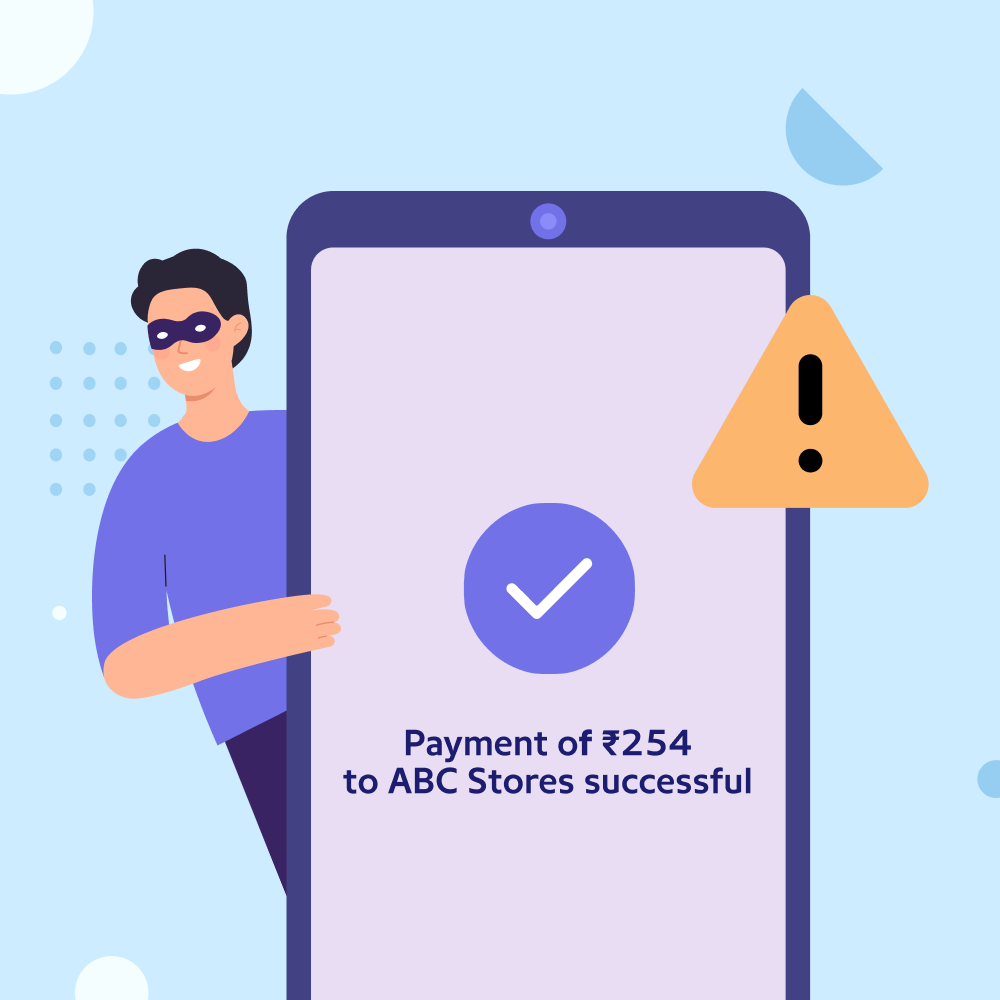

Fake UPI payment screenshots have become one of the most common methods used by fraudsters to cheat shopkeepers, online sellers, and small businesses across India. Learn how to verify digital payments properly and avoid financial losses before handing over any product.
The topic is evergreen. While UPI fraud cases continue to make news, the subject focuses on educating users about payment verification and safe business practices. Therefore, this article follows a practical and educational style.
A fake UPI payment screenshot can look convincing enough to fool even experienced business owners. With digital payments becoming the preferred mode of transaction across India, cybercriminals have also found new ways to exploit trust. Many local shopkeepers, home businesses, courier partners, and online sellers have reported losses after delivering products based solely on screenshots that falsely showed a successful payment. Understanding how to verify a UPI transaction before delivering goods has become an essential business practice in 2026.
Why Fake UPI Payment Screenshot Scams Are Increasing
India’s Unified Payments Interface (UPI) has transformed digital payments by making transactions instant and convenient. Millions of people use UPI every day for shopping, food delivery, bill payments, and business transactions.
Unfortunately, fraudsters have adapted to this growing digital ecosystem. Instead of hacking bank accounts, many simply create fake payment confirmation screens using edited images, fake payment applications, or modified transaction receipts. These screenshots often resemble genuine payment confirmations from popular UPI apps, making them difficult to identify at first glance.
Small retailers and businesses operating in Tier 2 and Tier 3 cities are particularly vulnerable because transactions are often completed quickly during busy business hours. Fraudsters take advantage of this urgency by showing a payment screenshot and insisting that the amount has already been transferred.
Never Trust a Screenshot Alone
The biggest mistake many sellers make is treating a screenshot as proof of payment. A screenshot is only an image and can be edited within minutes using basic mobile applications.
Before handing over any goods, always verify that the money has actually reached your bank account.
You should:
- Check your banking application or UPI app.
- Confirm the transaction appears in your account history.
- Verify the credited amount matches the invoice.
- Ensure the transaction status shows “Successful” in your own account, not just on the customer’s phone.
If you have not received the payment notification from your own banking application, wait until the transaction is confirmed. Never rely only on SMS messages or images shown by the customer.
Check the Transaction ID Carefully
Every successful UPI payment generates a unique transaction reference number, also known as a UTR or transaction ID.
Ask the customer to provide this number if the payment does not immediately appear in your account.
You can compare the UTR with your banking application’s transaction history. If the payment has genuinely been processed, the same reference number should be visible in your account records.
Be cautious if:
- The customer refuses to share the transaction ID.
- The UTR appears incomplete.
- The payment timestamp looks unusual.
- The screenshot contains spelling mistakes or blurred text.
- Logos or fonts appear different from the official application.
Minor visual inconsistencies are often early warning signs of manipulated screenshots.
Verify Payment Notifications Through Official Channels
Many businesses depend on notification sounds from payment apps. While these alerts are helpful, they should not replace proper verification.
Fraudsters sometimes use applications that play fake payment sounds identical to genuine UPI confirmation tones. This creates the impression that money has been transferred even though no transaction has taken place.
Instead of relying only on notifications:
- Open your official banking application.
- Refresh your account balance.
- Check recent transactions.
- Verify the credited amount directly.
For larger transactions, taking an additional minute to confirm payment can prevent significant financial losses.
Safety Tips for Shopkeepers and Online Sellers
Whether you run a grocery store, electronics shop, clothing business, or online marketplace, following basic payment verification procedures can reduce the risk of fraud.
Recommended practices include:
- Deliver goods only after payment reflects in your account.
- Train employees to verify payments independently.
- Avoid accepting screenshots as payment proof.
- Use merchant QR codes generated by official banks or payment providers.
- Keep transaction alerts enabled on your banking application.
- Maintain proper invoices for every sale.
Businesses handling high-value products should also consider using point-of-sale systems that automatically verify incoming payments before completing the transaction.
What to Do If You Become a Victim
If you accidentally deliver goods based on a fake payment screenshot, act immediately.
Collect all available evidence, including:
- CCTV footage, if available.
- The fake screenshot.
- Customer contact details.
- Chat messages or call records.
- Product invoice.
Report the incident to your bank and file a complaint through the National Cyber Crime Reporting Portal or by contacting the cybercrime helpline. Early reporting increases the chances of investigation and may help authorities identify repeat offenders.
Avoid confronting suspected fraudsters personally. Instead, allow law enforcement agencies to handle the matter through the appropriate legal process.
Digital Awareness Is the Best Protection
As digital payments continue to grow across India, businesses must balance convenience with caution. UPI remains one of the safest payment systems when used correctly, but verification should always be part of every transaction.
For shopkeepers, small businesses, delivery partners, and online sellers, a simple habit of checking the actual account balance before handing over goods can prevent unnecessary losses. Technology has made payments faster, but careful verification remains the strongest defence against fraud.
Key Takeaways
- Never deliver goods based only on a UPI payment screenshot.
- Verify every payment through your own bank or UPI application.
- Check the UTR number and transaction history before completing the sale.
- Report suspected payment fraud immediately through official cybercrime channels.
Frequently Asked Questions
Q1. Is a UPI payment screenshot valid proof of payment?
No. A screenshot alone is not proof that money has been credited to your account. Always verify the transaction through your own banking or UPI application.
Q2. How can I confirm whether a UPI payment is genuine?
Check your bank account or UPI app for the credited amount and verify the transaction reference number (UTR).
Q3. What should I do if a customer says the payment is delayed?
Wait until the payment appears in your account before delivering the goods. Network delays can occur, but delivery should only happen after confirmation.
Q4. Where can I report UPI payment fraud in India?
You can report cyber fraud through the National Cyber Crime Reporting Portal or contact the national cybercrime helpline. You should also inform your bank as soon as possible.
(Internal keyword suggestions: fake UPI payment screenshot, UPI fraud India, verify UPI payment, UPI transaction verification, fake payment scam, digital payment safety, UPI security tips, cyber fraud awareness, payment screenshot scam, safe online transactions)