
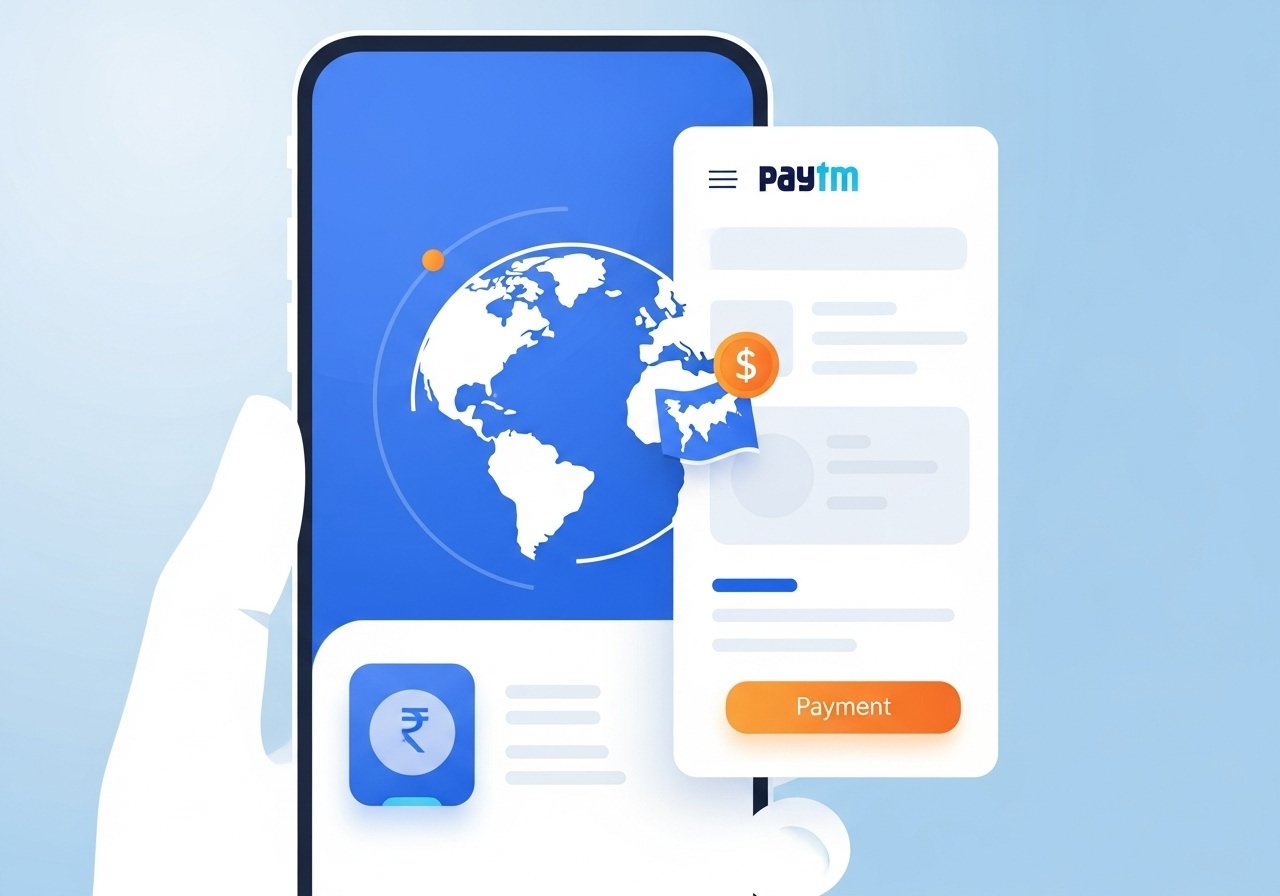

India’s Unified Payments Interface (UPI) has evolved into one of the world’s most efficient real-time payment systems. With cross-border integration now rolling out across multiple countries, users can transfer funds internationally using UPI-linked apps seamlessly. This guide explains how to set up and use UPI for cross-border payments safely and effectively.
Understanding cross-border UPI integration
UPI cross-border payments are part of India’s effort to make digital money transfers as smooth internationally as they are domestically. The National Payments Corporation of India (NPCI) has partnered with several countries including Singapore, UAE, Nepal, Mauritius, and Bahrain to enable real-time remittances. This means users can now pay or receive money abroad using UPI apps like PhonePe, Google Pay, Paytm, or BHIM. Transactions are processed through NPCI’s international arm, NPCI International Payments Limited (NIPL), which ensures compliance with foreign exchange and regulatory norms.
Step 1: Check UPI support in your destination country
Before initiating a cross-border transfer, confirm that the country you are sending or receiving money from supports UPI linkage. For example, Singapore’s PayNow, UAE’s Mashreq Neo Pay, and Bahrain’s Fawri+ are already integrated. Users in these countries can link their local bank accounts to the UPI network, allowing money transfers between Indian and foreign bank accounts instantly. The list of supported countries is expanding gradually as new agreements are signed.
Step 2: Update your UPI app and enable international access
To use cross-border UPI services, update your existing UPI app to the latest version. Some apps require additional verification for international payments, such as passport number submission or foreign address details. In apps like PhonePe or BHIM, you’ll find an option under “UPI International” or “Cross Border Payments.” Enable this feature and verify your identity using the standard Know Your Customer (KYC) process. Once activated, the app will allow you to send or receive international payments in supported corridors.
Step 3: Link your bank account and verify currency conversion
UPI transactions abroad are processed in partnership with banks authorized for foreign exchange settlements. When you send money, your UPI app will show the converted amount in the recipient’s currency along with a transparent conversion rate. Cross-border UPI works through the local banking rails of both countries. For example, if you’re sending money to Singapore, UPI will route the transaction through PayNow and the corresponding bank in India. Always confirm exchange rates and transaction limits before proceeding.
Step 4: Initiate your first cross-border payment
Once setup is complete, making a cross-border payment through UPI is as simple as sending a domestic transfer. Select the “Send Money Abroad” or equivalent option in your app, choose the recipient’s registered number or UPI ID, enter the amount, and review the conversion rate. Confirm the payment and authenticate using your UPI PIN. Most transfers are completed within 60 seconds, depending on network conditions. You’ll receive a notification confirming successful completion along with transaction details.
Step 5: Follow compliance and safety guidelines
Cross-border UPI payments follow the guidelines of both the Reserve Bank of India (RBI) and the central bank of the partner country. Users should ensure that payments comply with the Liberalised Remittance Scheme (LRS), which currently allows up to USD 250,000 per year for permissible transactions. Never share your UPI PIN or credentials with anyone. Avoid making payments to unknown recipients, especially for online purchases or unverified offers. For businesses, use verified merchant accounts approved by NPCI International.
Step 6: Benefits for NRIs and small businesses
This system is particularly beneficial for Non-Resident Indians (NRIs), students abroad, and small business owners. NRIs can now send remittances directly to Indian bank accounts without high remittance charges or delays. Small exporters can accept payments from international customers through UPI-enabled partners, reducing dependence on expensive SWIFT transactions. Additionally, travelers can use UPI to make retail payments in supported countries, eliminating the need for foreign exchange cards.
Step 7: Troubleshooting and support
If your transaction fails, check whether both your app and the recipient’s payment system support international UPI. Network issues or bank downtime can occasionally cause delays. Most UPI apps have dedicated customer support sections for international payments. You can also contact your bank’s forex department if you face repeated errors or delays. Remember that refund timelines for international transfers can vary based on the partner network’s rules.
Takeaways
• UPI cross-border payments enable instant money transfers between India and supported countries.
• Always verify UPI international support and exchange rates before sending funds.
• NRIs and small businesses benefit from lower fees and faster remittances.
• Enable UPI International access only through official, updated apps for safety.
FAQs
Q1. Which countries currently support cross-border UPI payments?
UPI international payments are currently active with Singapore, UAE, Mauritius, Nepal, and Bahrain, with more countries being added under NPCI’s global partnerships.
Q2. Are there limits on how much money can be transferred abroad using UPI?
Yes. Transfers must comply with RBI’s Liberalised Remittance Scheme (LRS), which allows up to USD 250,000 per year for eligible purposes such as education, travel, or family maintenance.
Q3. Do UPI cross-border transactions charge fees?
Transaction charges vary based on the partner bank and currency conversion rate. Typically, fees are lower than traditional wire transfers, making UPI a cost-effective choice.
Q4. Can NRIs use their Indian UPI accounts abroad?
NRIs can use UPI linked to their NRE or NRO accounts if their bank supports international UPI functionality. Apps like BHIM and PhonePe are gradually enabling this feature.